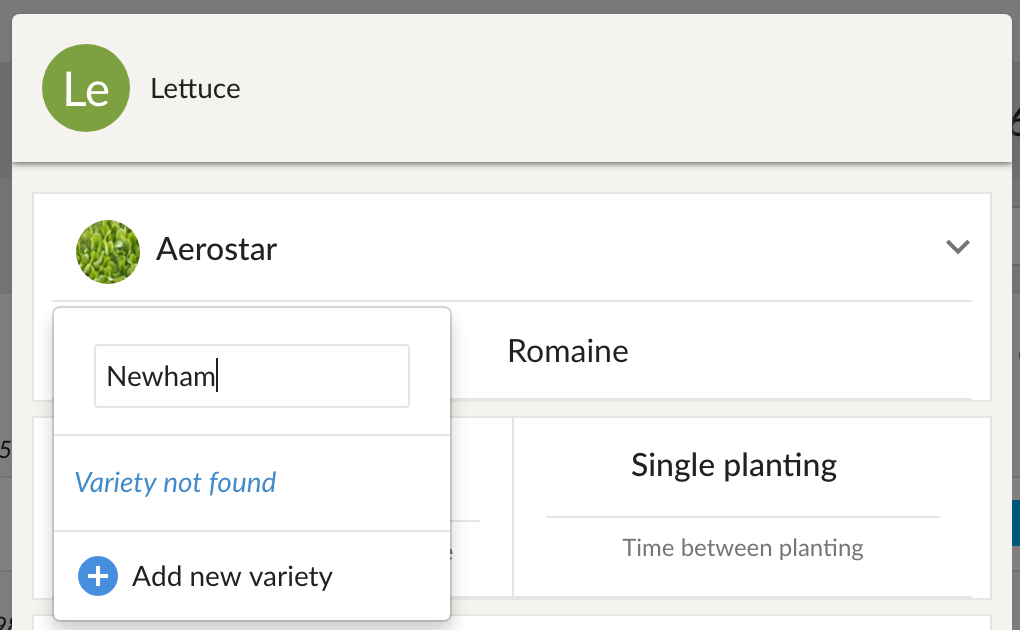
You can add a new variety when adding a new planting (or updating a previously added planting – skip to Step 3) by following the steps below.
Click on the blue "Add Planting" button in the Crop Planner feature
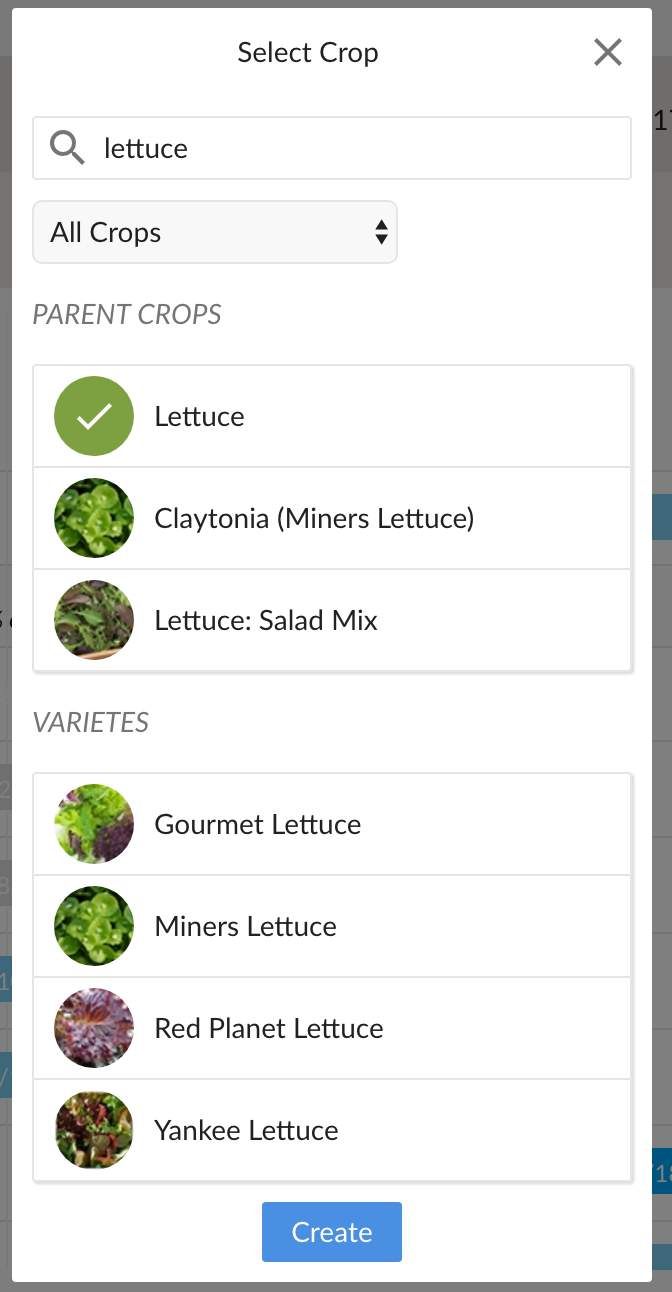
2. Enter the crop you want to grow > click the blue "Create" button
3. If you're adding a variety for a previously added planting, skip Steps 1 and 2 (above) and click on the planting bar for the planting you'd like to edit in the Crop Planner > the Planting Details screen will appear.
4. Click on the area where the "variety" is specified in the Planting Details screen and enter in the variety you want to add in the search bar. Click the "Add new variety" button that appears at the bottom of the variety list. All done!