Crop Planner/Plantings
Quick Planting-Location Assignments: Save Time
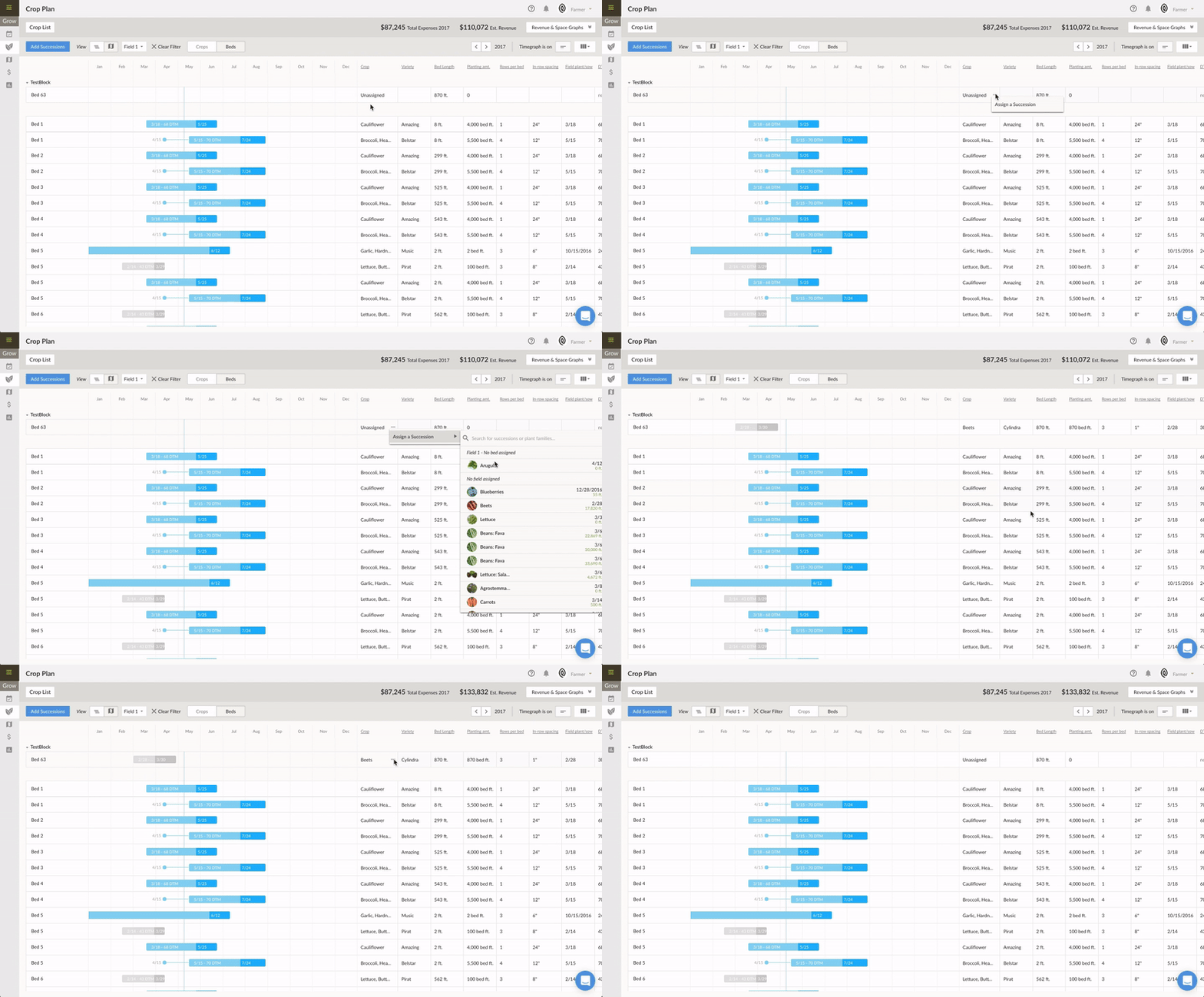
Previously, assigning and unassigning plantings to and from beds or fields took several clicks and excessive loading time. We've made an update that allows you to manage the location of plantings without ever leaving the crop planner. Just click the '•••' icon in the Crop column to get started (hover your mouse over the crop or location column to see it).
In Crop planner, you can assign planting to, or unassign planting from a field.
In Crop planner > Field > Beds view, you can assign plantings to, or unassign plantings from specific beds. (For example, see Bed 63 below)