New field
Go to "Locations"
Click on "Add Location" button > "Field"
Select "Input Field"
Add your field info
Select "Create Field"
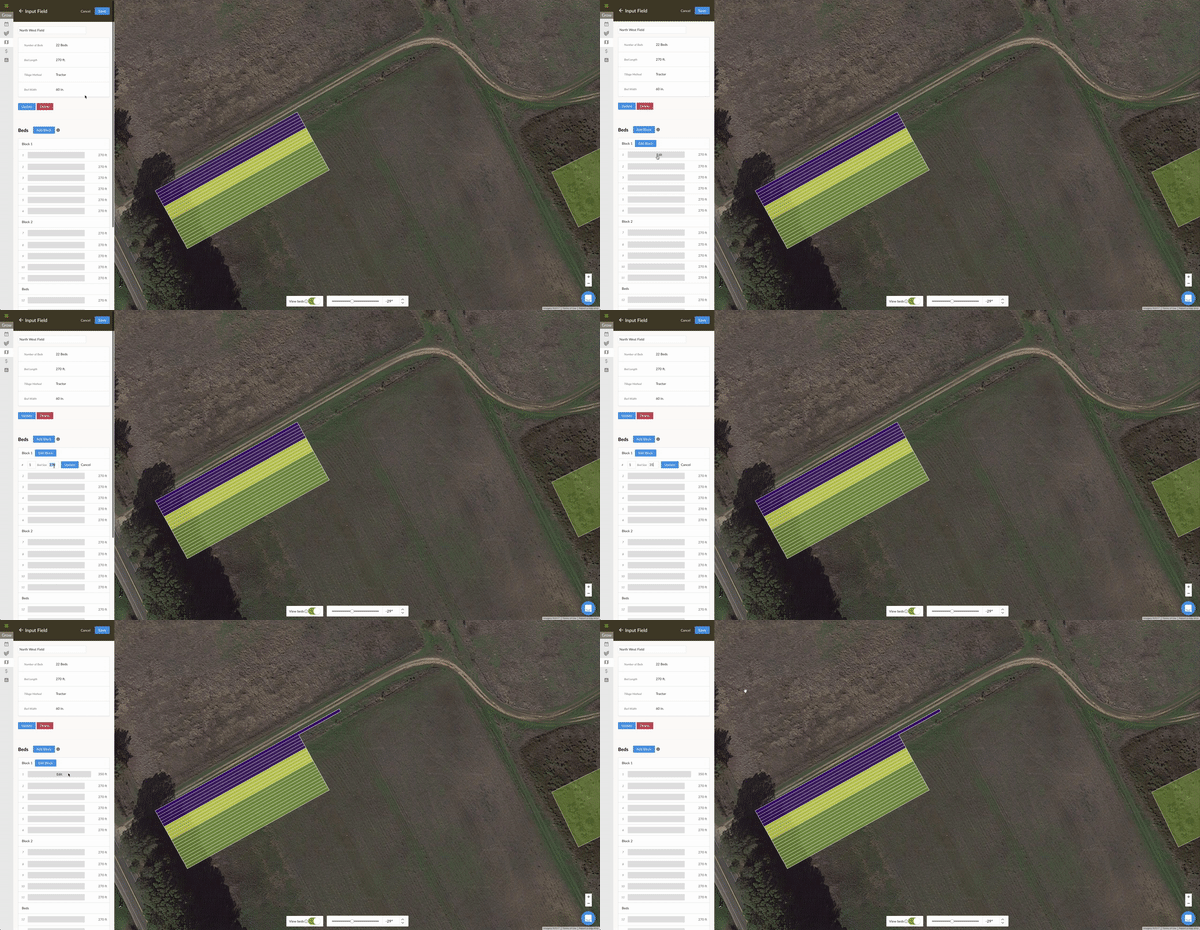
Click on a bed and enter new dimensions for bed length
Click "Update"
Bed length will update
Previously created field
Go to "Locations"
Click on a field that you created by inputting its dimensions that you'd like to edit
Select "Edit" button in right pull-out screen
Click on a bed and enter new dimensions for bed length
Click "Update"
Bed length will update