Navigate to the Task Calendar in Tend
Click on a task to open up the task details window
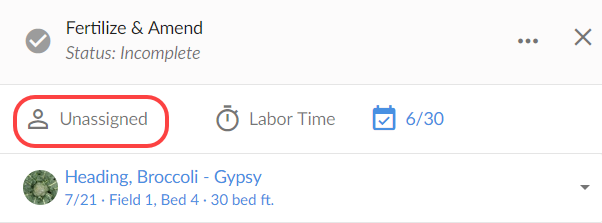
Click on the user icon in the upper left side of the window
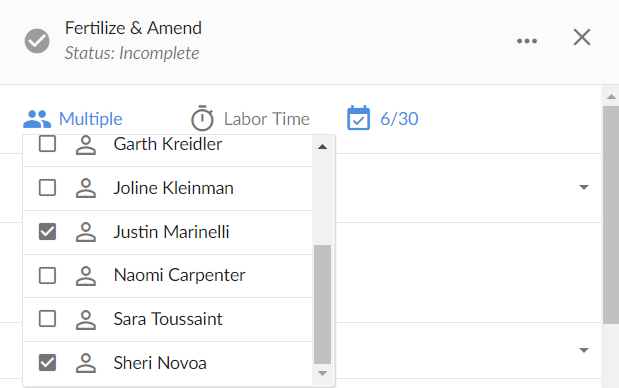
4. Check the boxes next to one or more members of the team. If they are using the mobile app they will receive a notification that the task has been assigned to them.