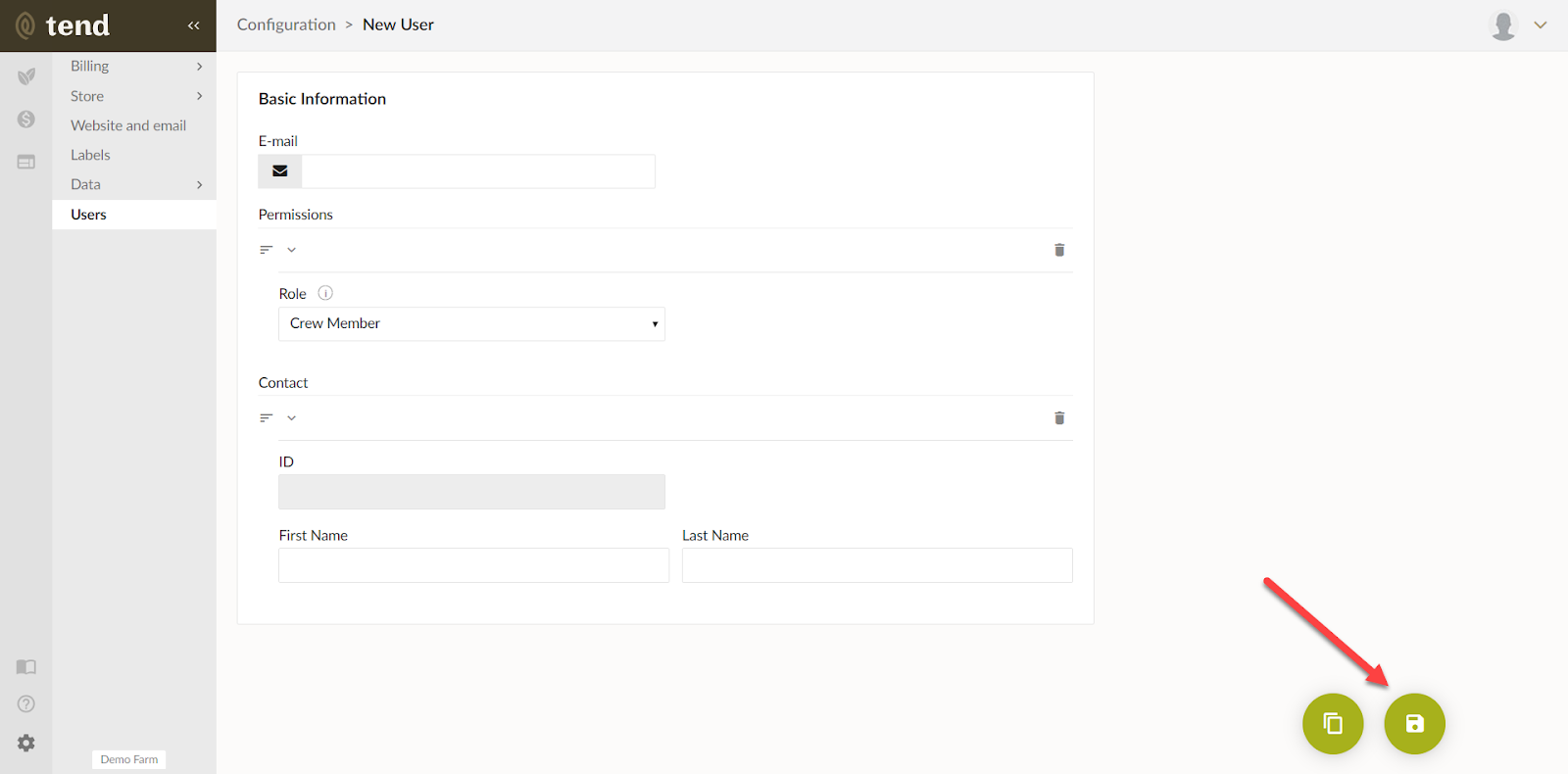
Follow these steps to add a user to your Tend account:
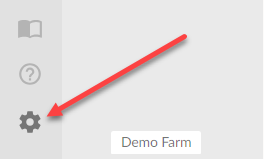
Click on the Settings button in the lower left hand corner of Tend
In the Users screen, click on the green "+" Add button in the lower right hand corner of the screen
Enter the users email address
Select a role:
Admin - full access to all features throughout the account.
Farm Manager - full access to all features throughout the account but cannot invite Admins or delete other team member accounts.
Farm Crew Member - full access to all features except the Expenses feature and cannot invite any team members.
Enter user’s first name and last name
Click the Save button in the bottom right hand corner of the screen