We've launched a new way for you to assign Successions to Locations (Fields and Orchards).
Now, whenever you assign a Planting to a Location, whether it be within the Crop Planner, Locations, or Tasks feature, you can see it in the context of your full season. Our goal is to help you see your plan for each bed (row) so you know which beds are occupied, and when.
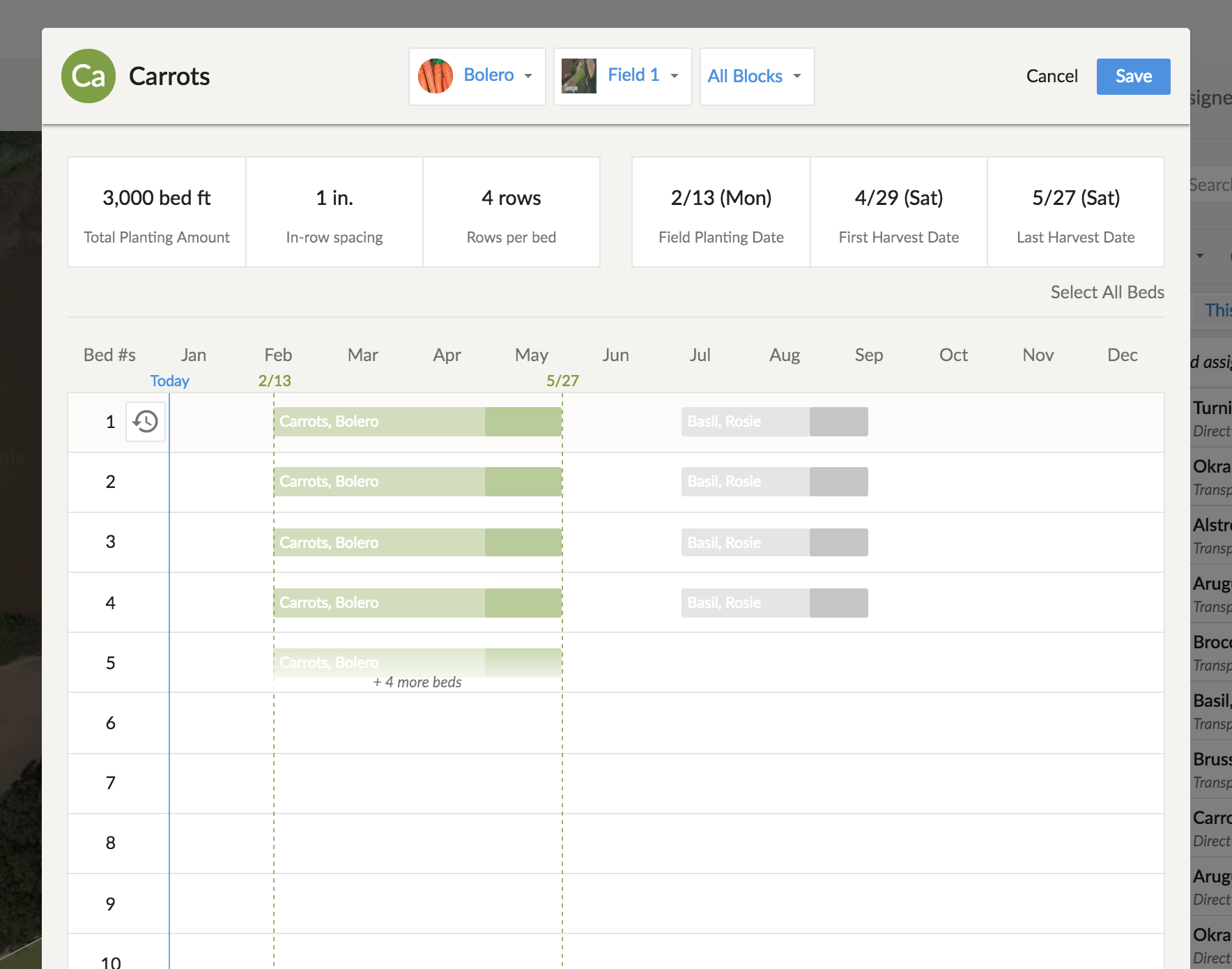
Once you've assigned a planting to one or more beds, just click the pencil icon to make any edits or adjustments to bed footage for that planting.

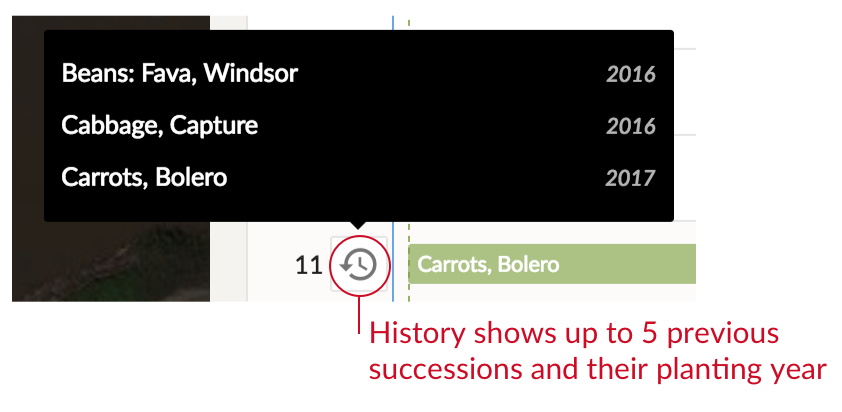
Additionally, we've added a Crop History button that shows you the previous 5 plantings in each bed, so you can make more informed planning decisions around your crop rotations.