There are two main views in the Crop Plan feature: "All Plantings" and "Plantings by Location". You can toggle back and forth between these views by clicking the buttons at the top of the screen next to "View"
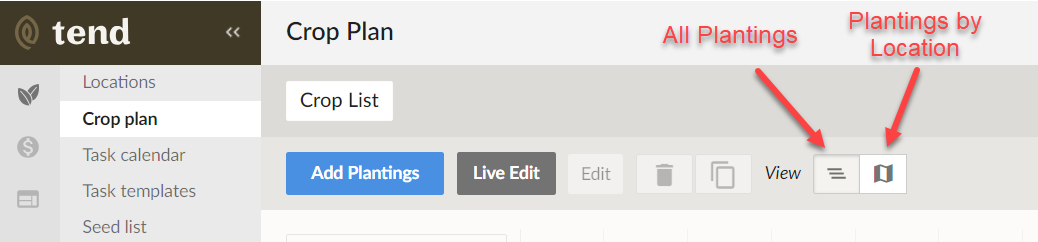
All Plantings
In the All Plantings view you can group your plantings by the following options under the Sort menu:
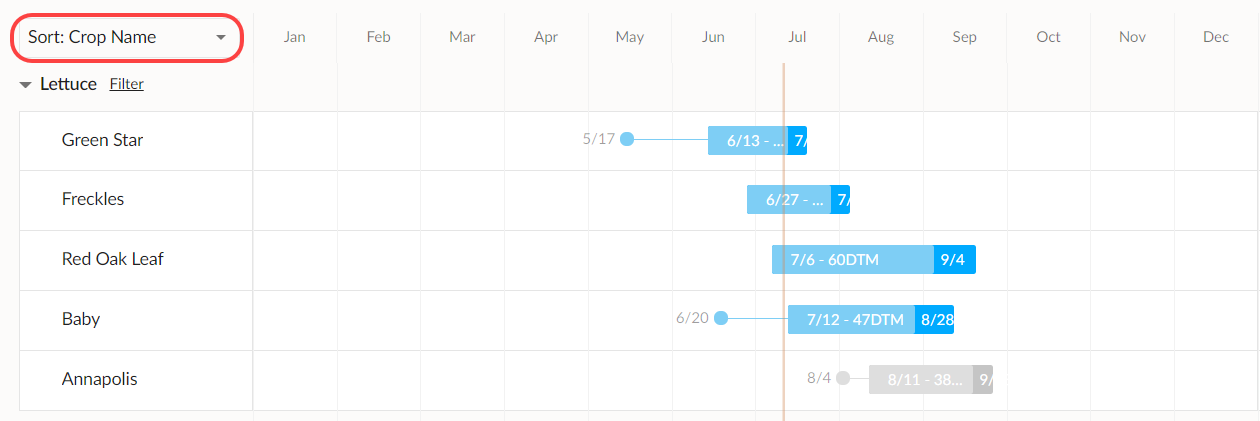
Crop Name (Lettuce for example, with variety names listed)
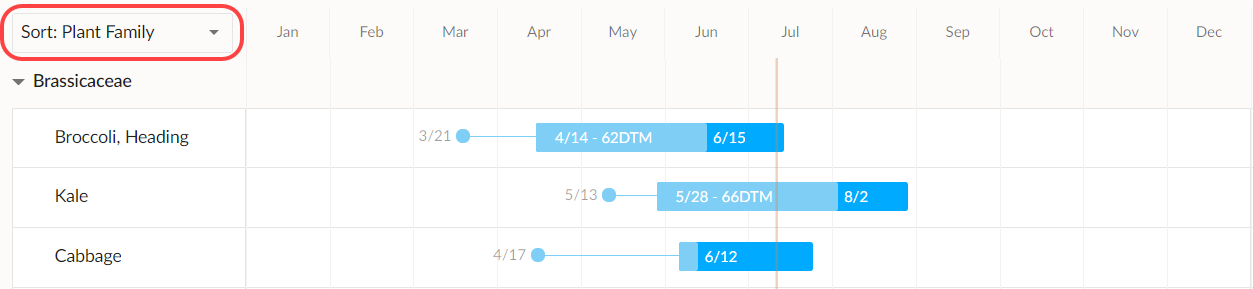
Plant Family (Brassicaceae for example, with crop names listed)
Greenhouse Sow Date (all plantings grouped by GH sow date)
Field Planting Date (all plantings grouped by Field Planting date)
First Harvest Date (all plantings grouped by first harvest date)
Plantings by Location
The Plantings by Location view groups plantings by Field, displaying results by Beds:
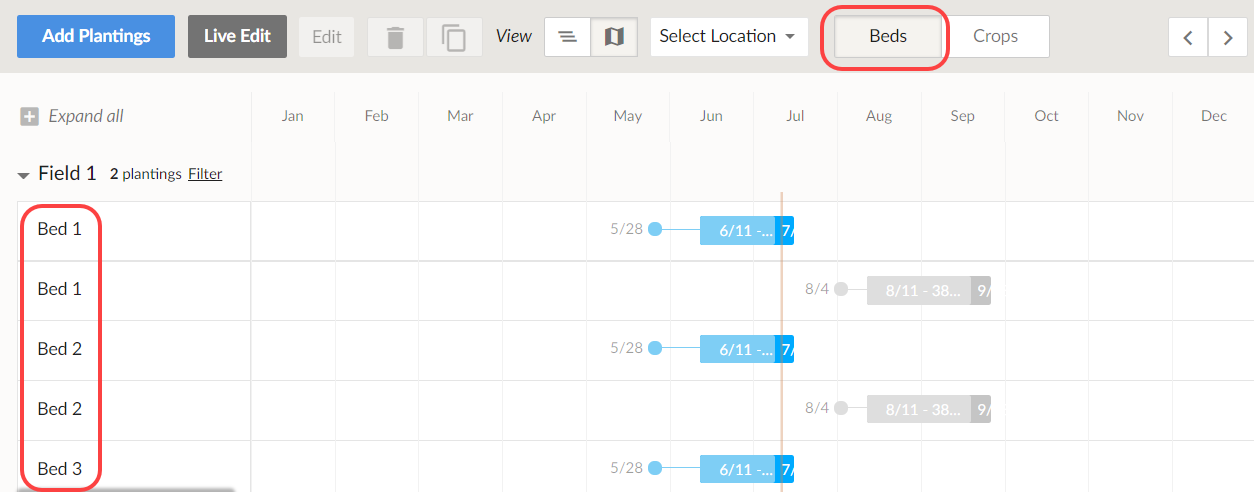
OR displaying results by Crops:
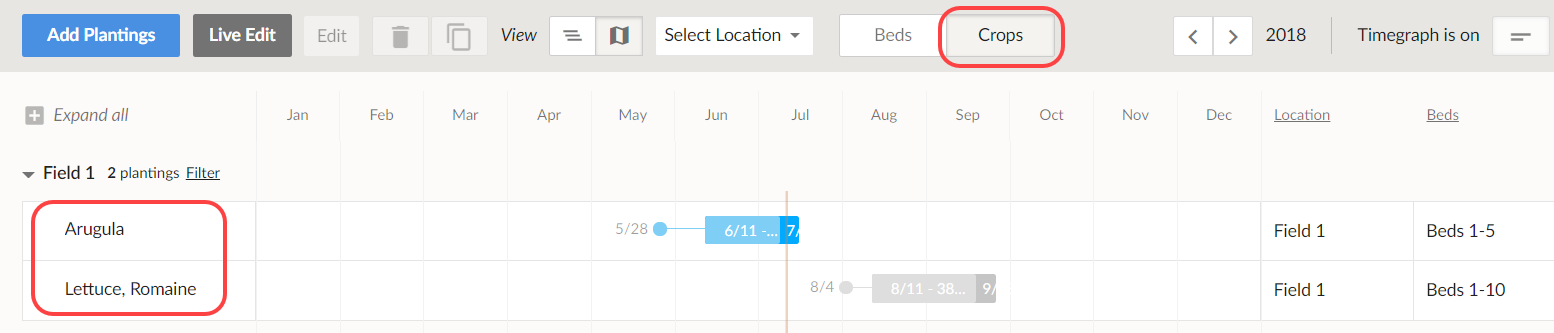
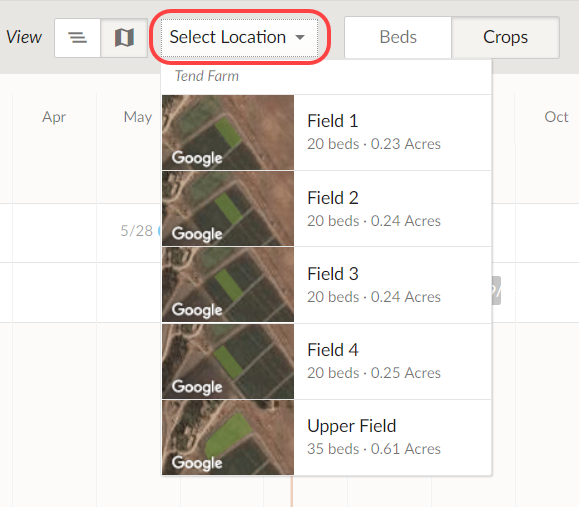
In the Plantings by Location view you can also filter results using the Select Location menu: