In Tend you can view your plantings sorted by Crop, or by Location. You may want to sort by Location to see what's planned for that location, as well as what open space you have for it.
For example, if you have an onion block with 5 varieties, you could easily see which varieties are planned for which beds/rows.
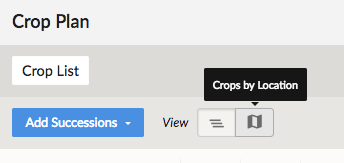
1. To view your crops sorted by Location, first click the "Crops by Location" toggle.
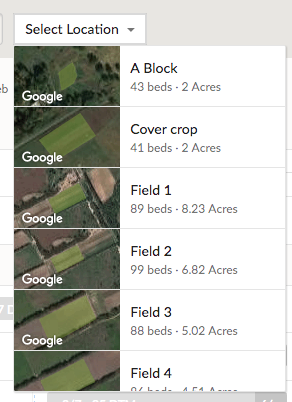
2. Once there you can select a Field
3. Then sort by beds
