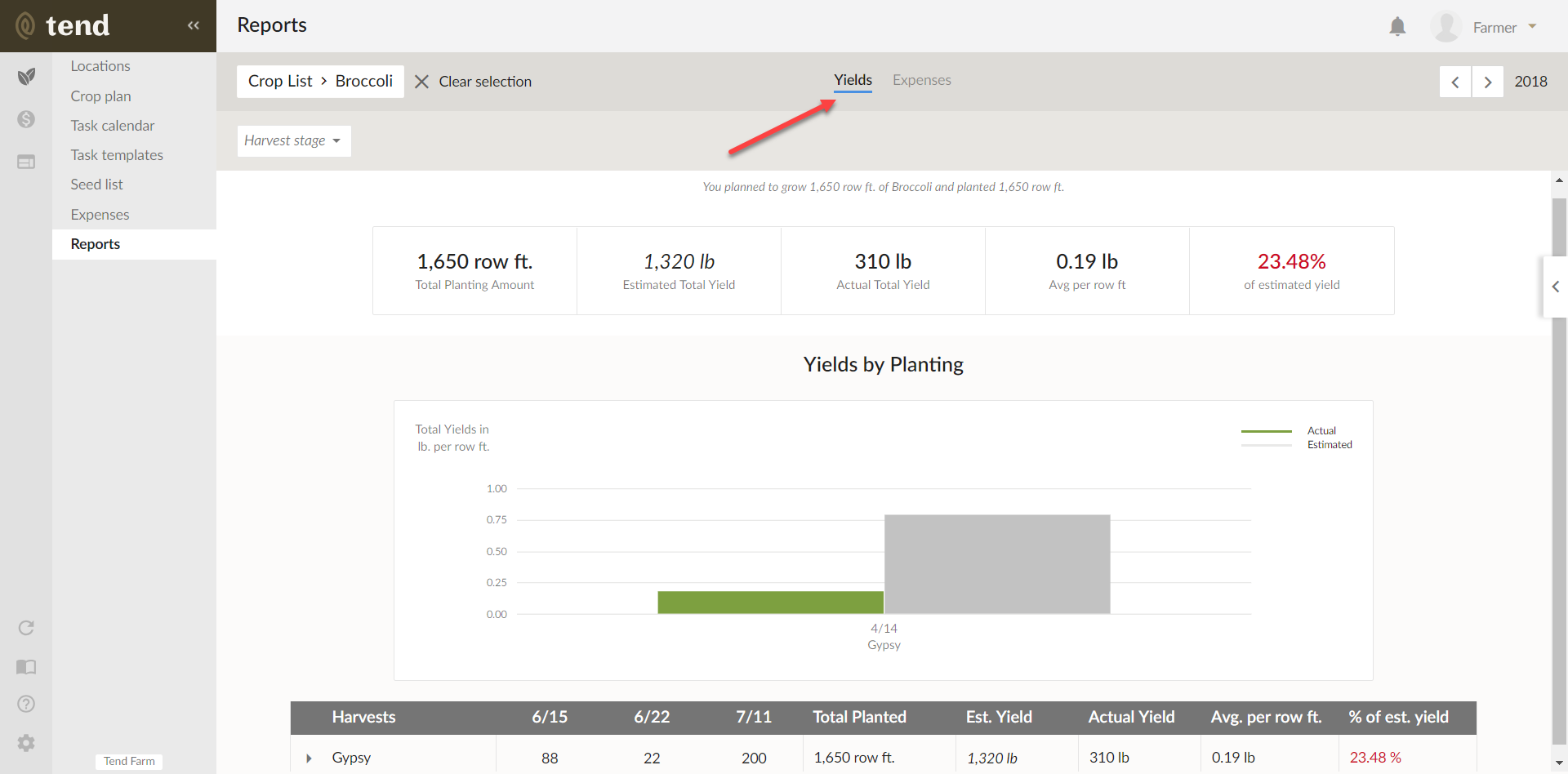
You can view the yield data for your crops in two places in Tend:
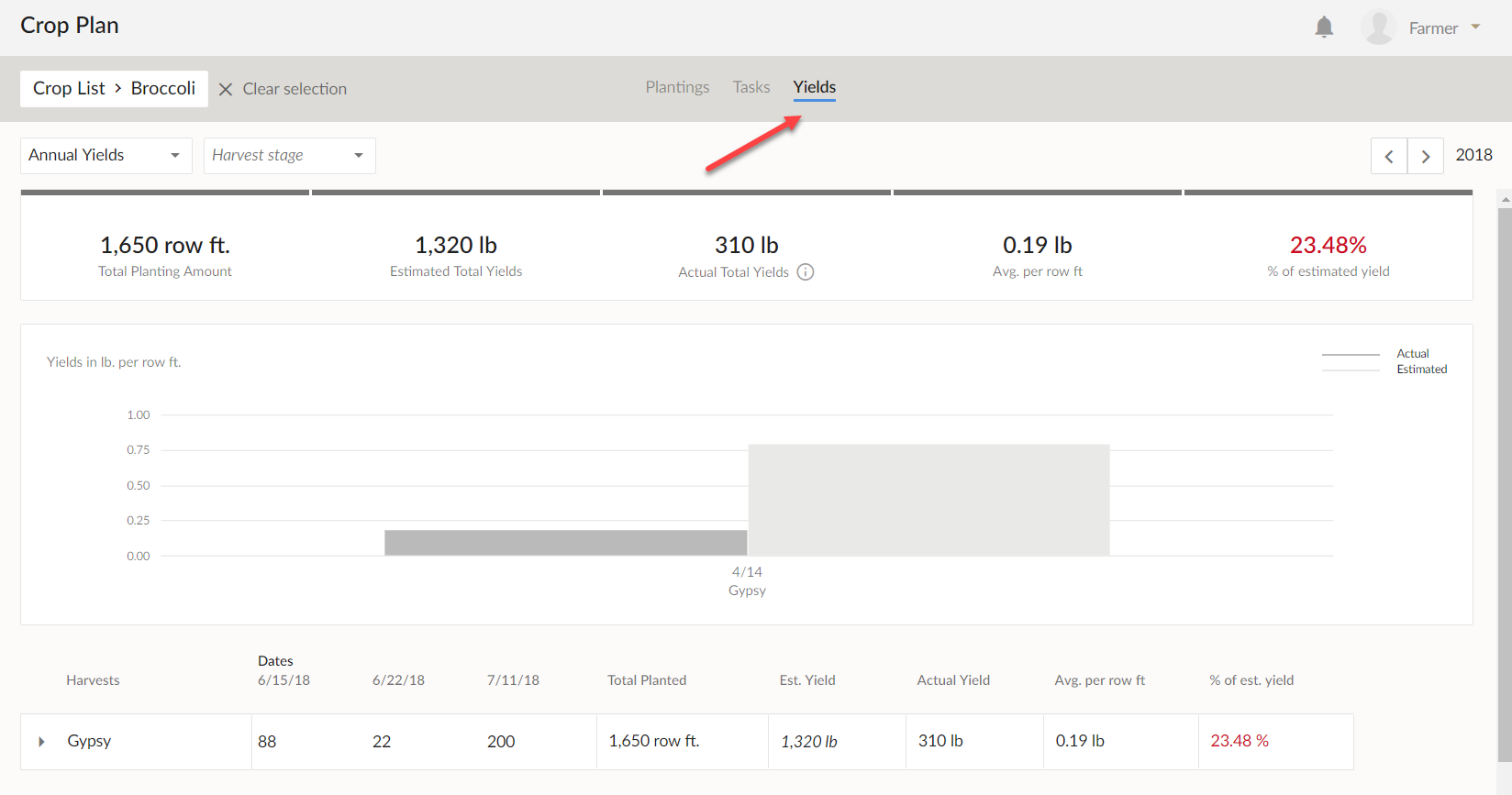
Crop Plan
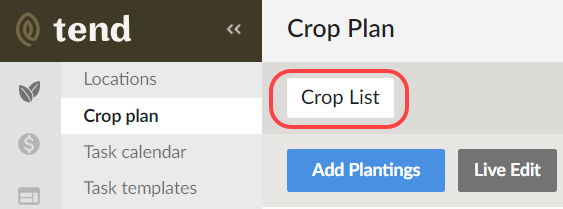
Click on the Crop List button
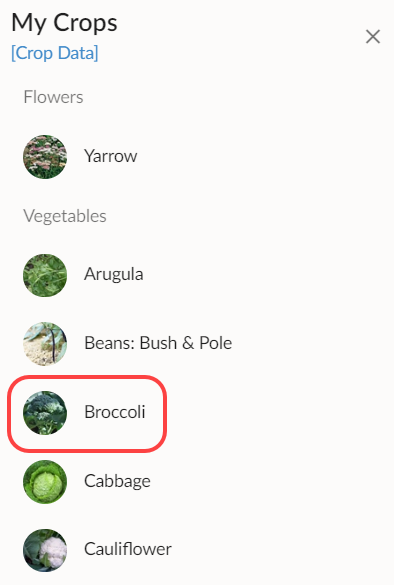
Select the crop from the list
Click on the Yields button to see current yield data for the selected crop
Reports
You can also view yields data in the Reports feature in Tend
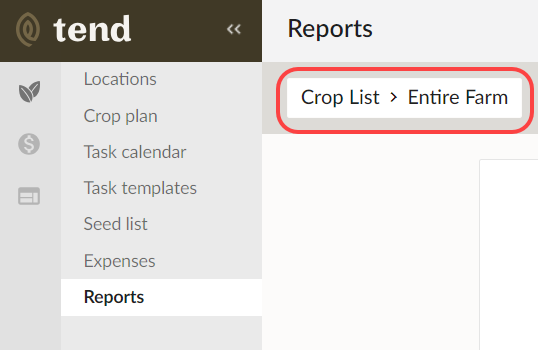
First, click on the "Crop List > Entire Farm" button
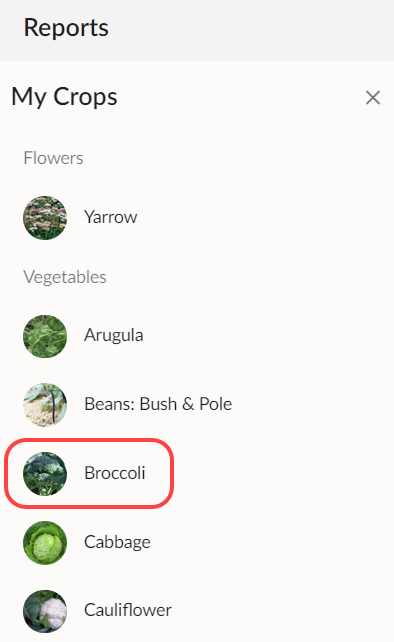
Then select the crop from the list
The Yields view will display current yield data for the selected crop