There are two ways to view your plantings by bed – in the Crop Planner or in the Locations sections.
Crop Planner
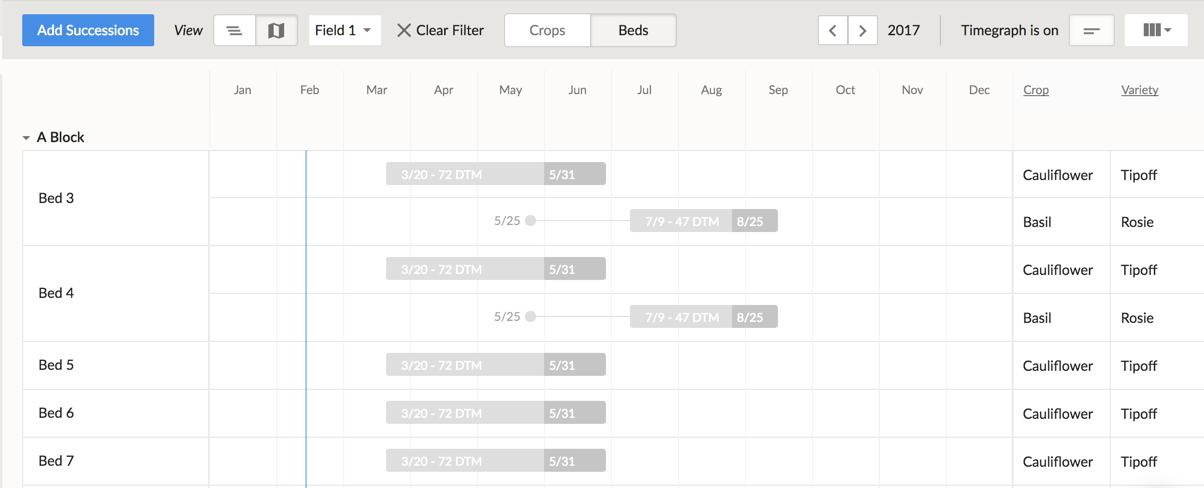
1. Select the "Beds View" button.

2. Select the field you want to view by bed in the field drop-down.

3. Now you're viewing all beds in descending order in the selected field with plantings assigned to them. If you have organized your field by blocks, you will also see beds grouped by block.
Locations
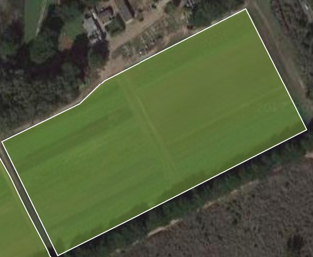
1. Click on a field that you want to view by bed in the Locations section.
2. Select the bed numbers for a planting in the left pull-out.

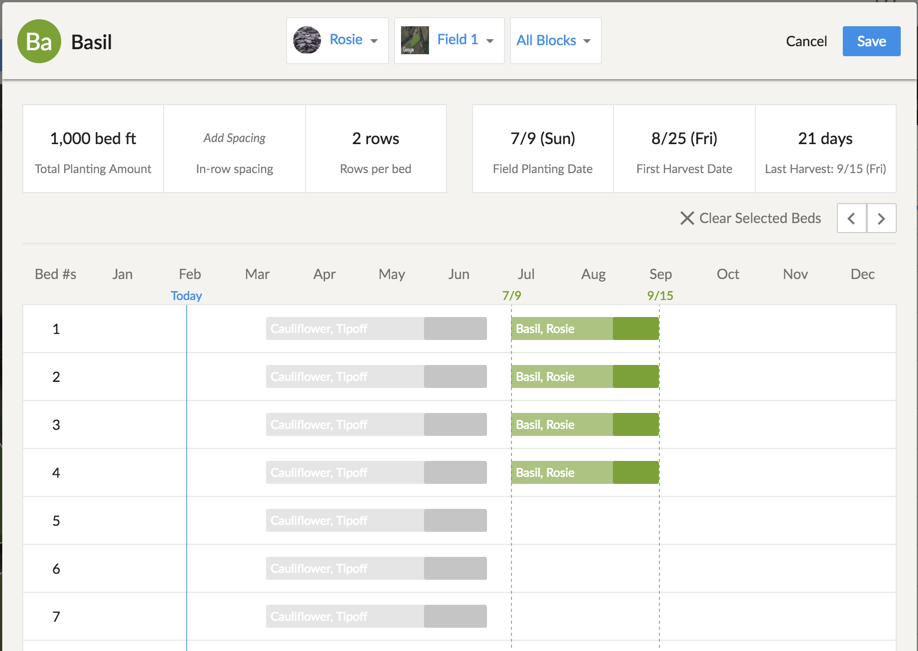
3. A pop-up screen will appear displaying a list of all beds in this field and all plantings assigned to these beds. The selected plantings is highlighted in green.