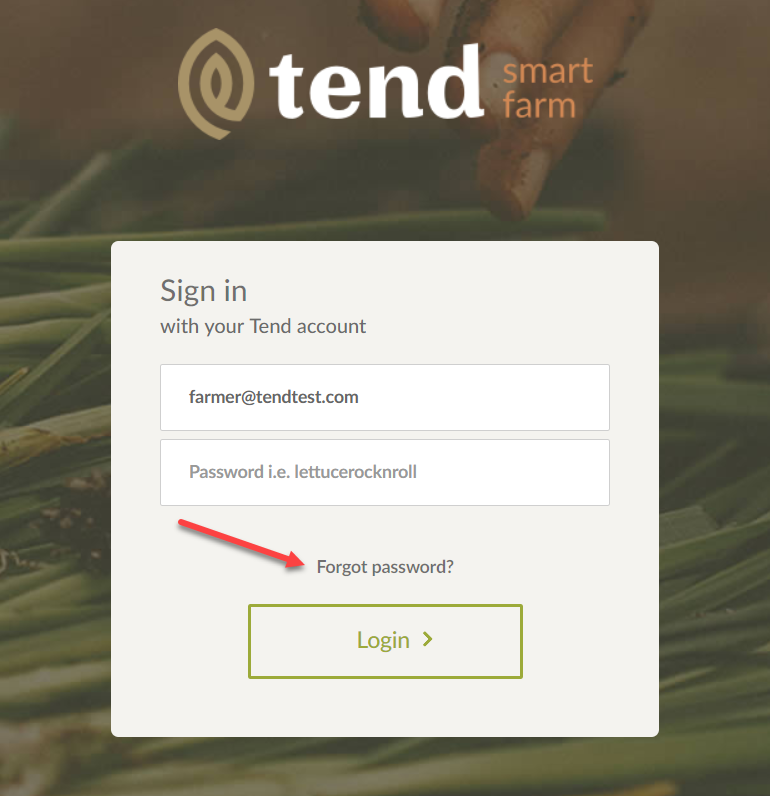
1. Go to the Tend login page (you may need to log out of Tend first by clicking your user in the top right corner of Tend and selecting Logout)
2. Type your email address in the email field (don't type anything in the password field)
3. Click on "Forgot password?"
4. Check your email. You'll receive an email from Tend containing a link which will allow you to create a new password.