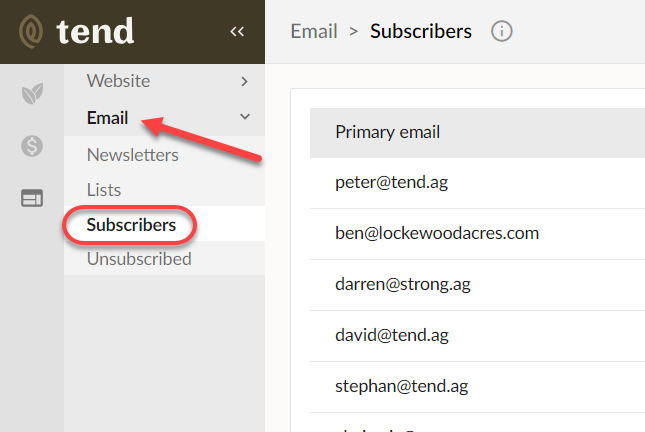
Navigate to Website and Email, click on Email, and select Subscribers from the list
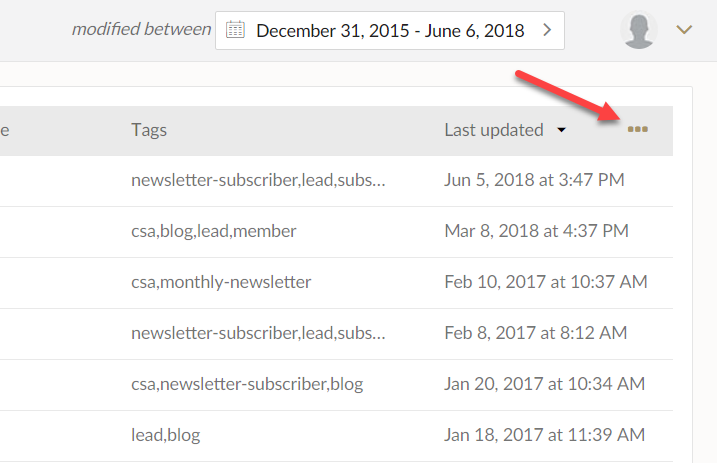
2. Click on the three dots at the top right hand corner of the list "..."
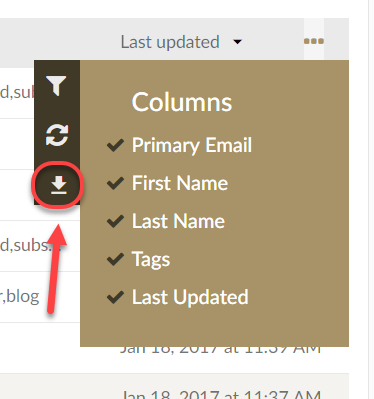
3. Click on the Download icon and a CSV file will be downloaded containing your subscribers contact information.