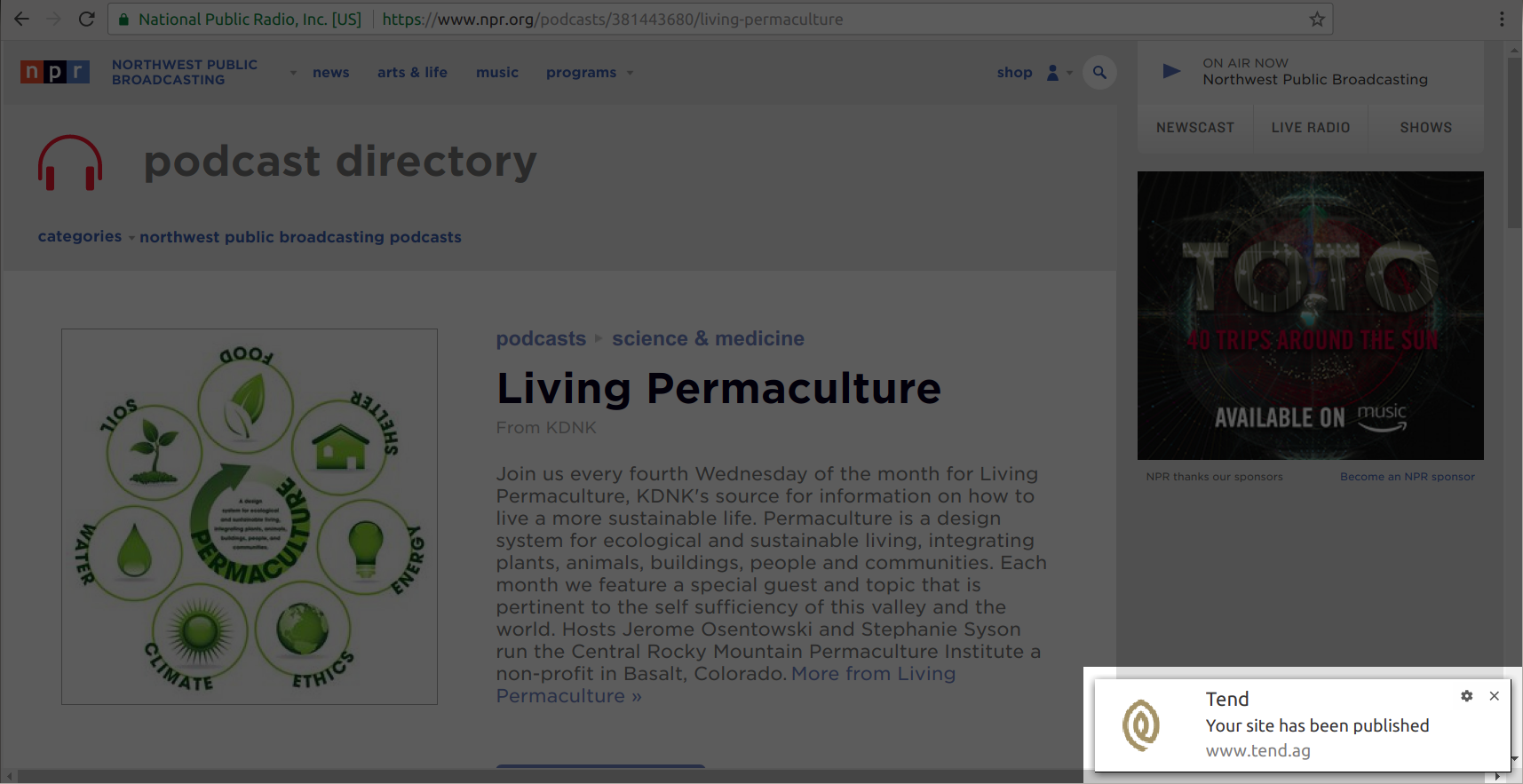
When you create or edit your website, you will get a notification that your website has changes that have not gone live yet.
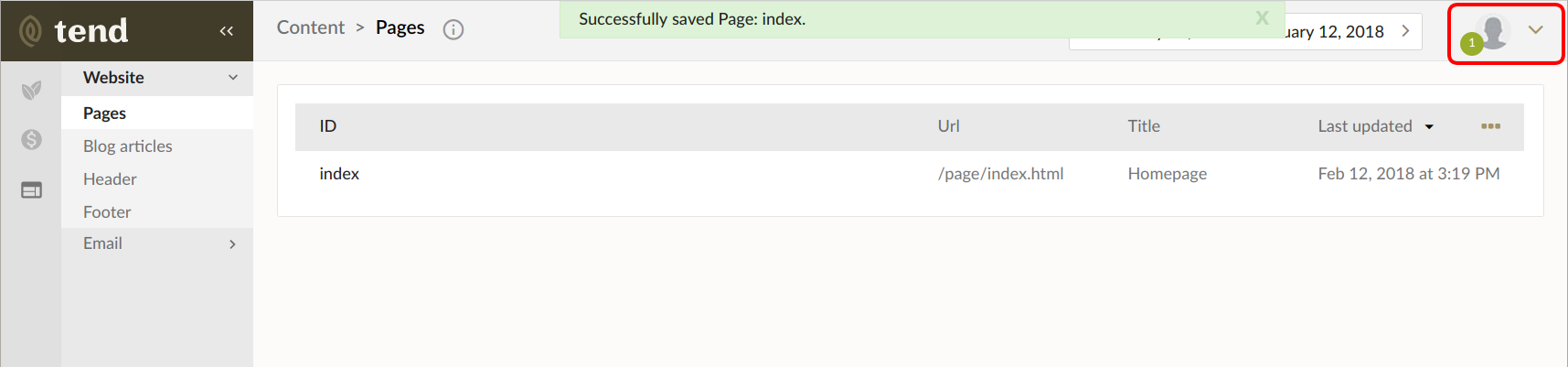
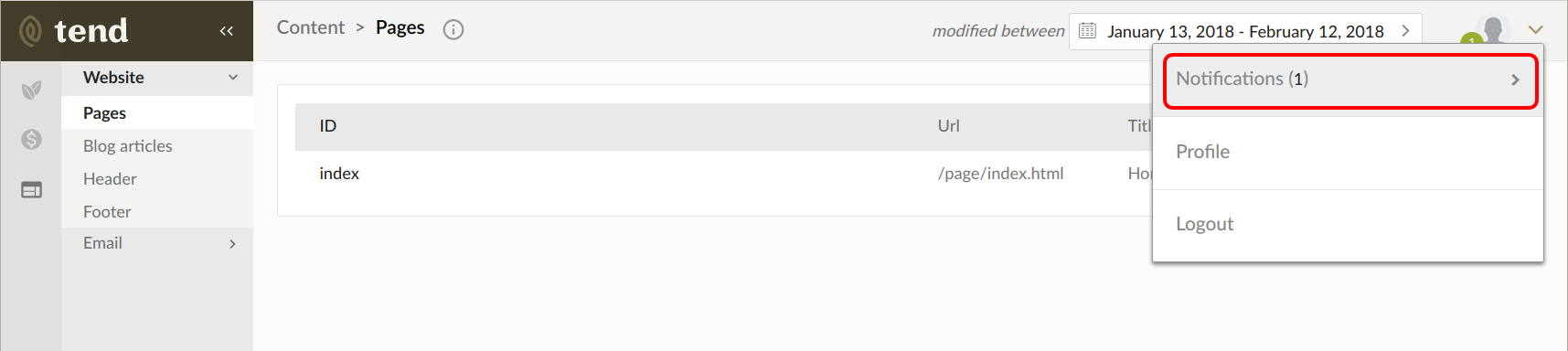
Click into this notification:
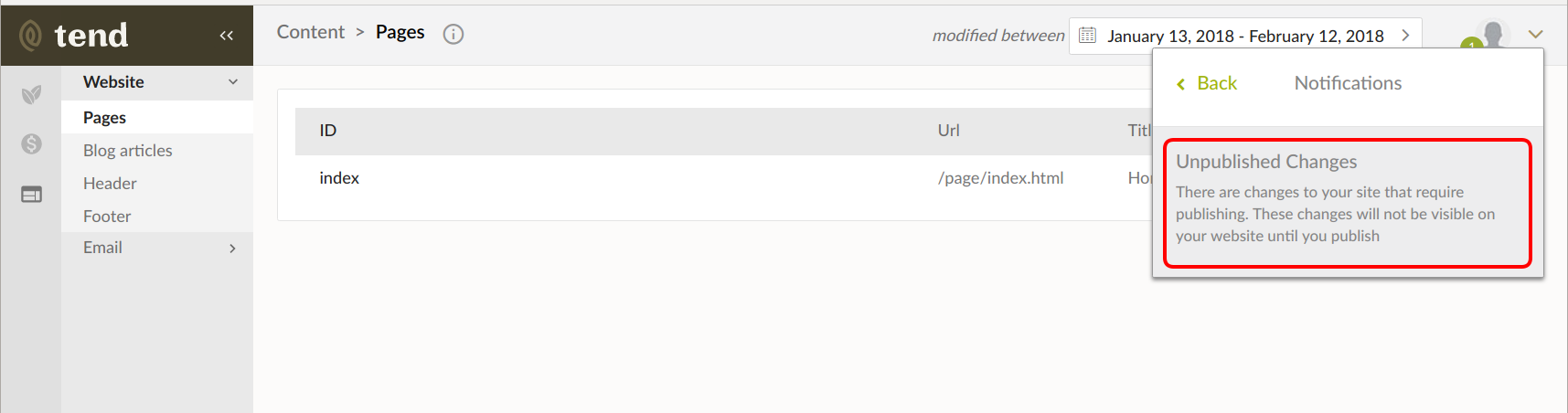
You can view the summary of changes that are ready to release.
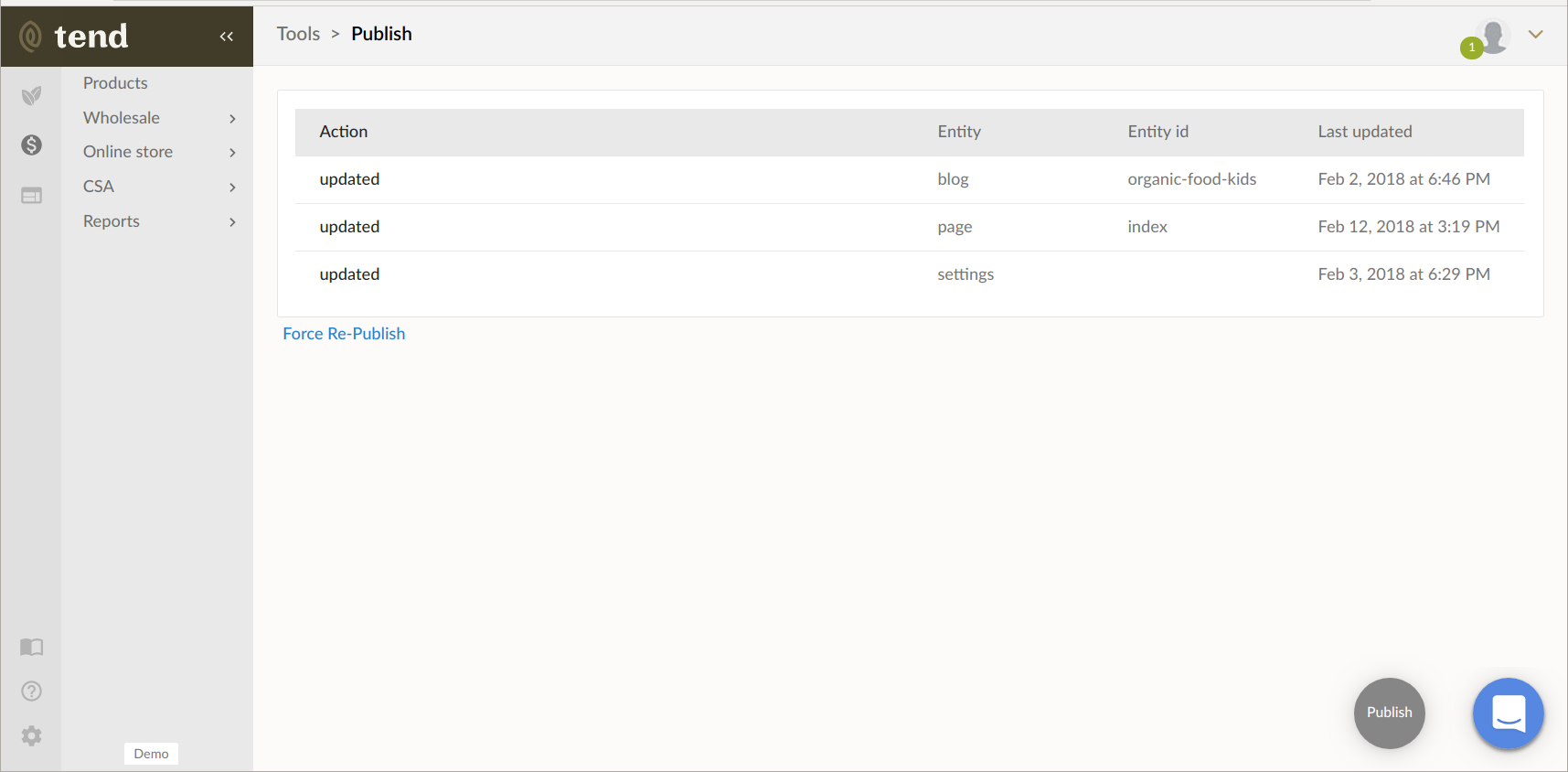
NOTE: If you see that "settings" have been updated (such as changes to your header or footer), this will require your entire website to be rebuilt. Depending on how many pages you have (such as a long blog), this may take some time.
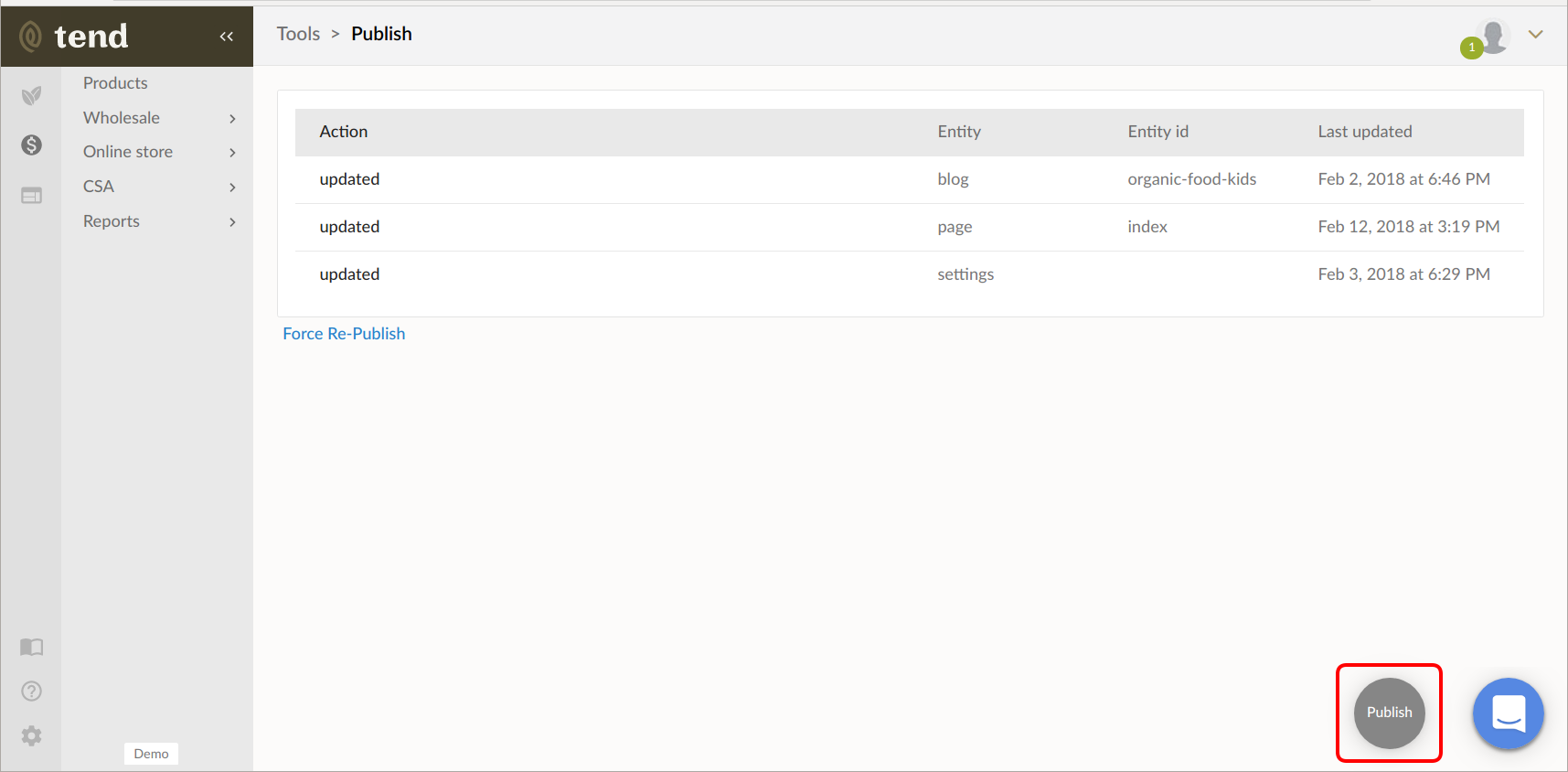
If you're ready to make the changes live, click "Publish."
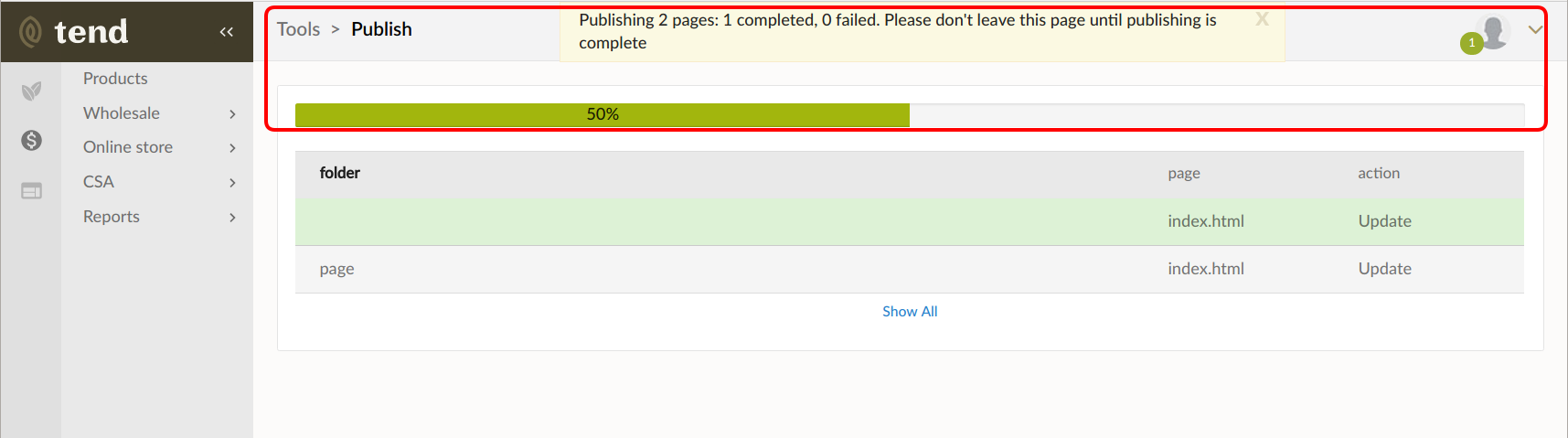
Progress will update at the top of the page:
If you have notifications enabled in your browser, you will see a notification pop up when your website is done updating.
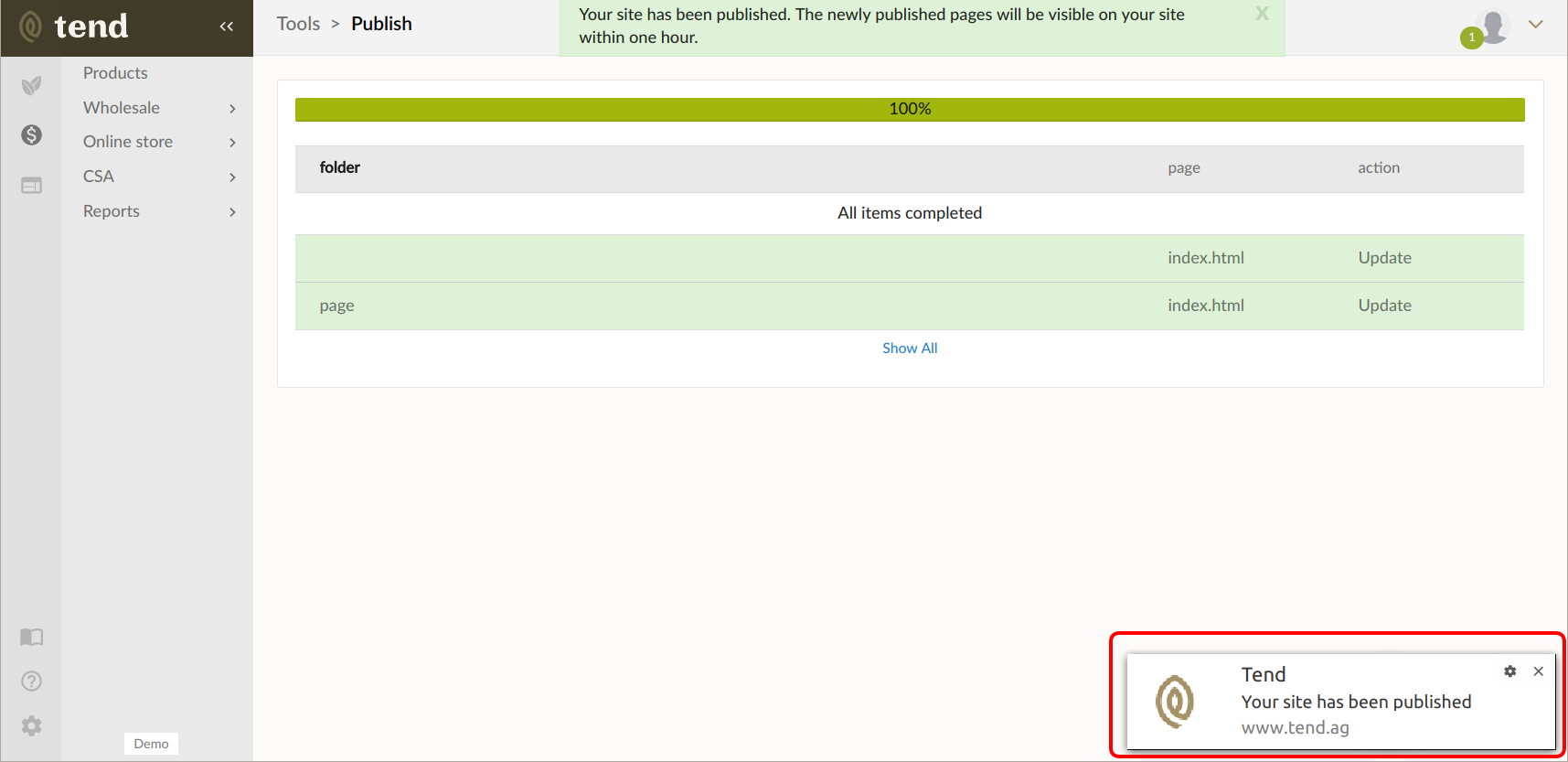
This notification will show even if you are viewing other content.