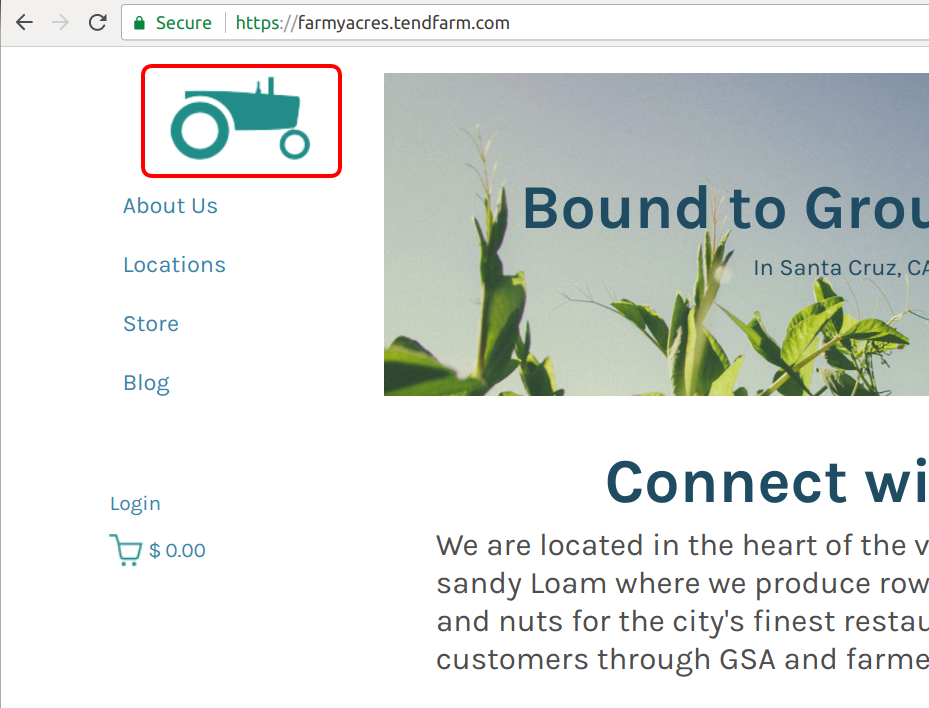
You've set up your online store. Congratulations! But now you see the tractor default logo, but how do you change it?
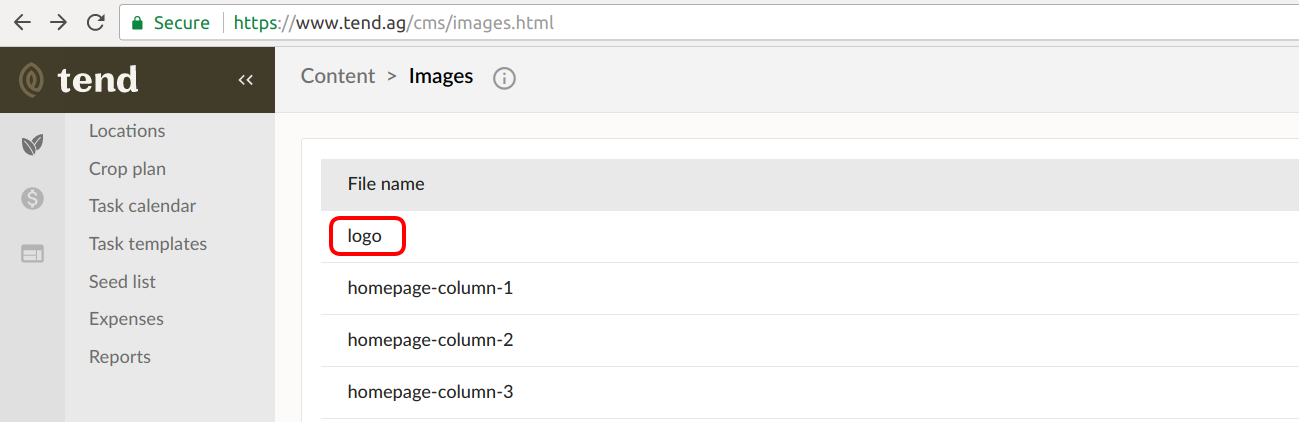
Go to "Images" and select the image "logo."
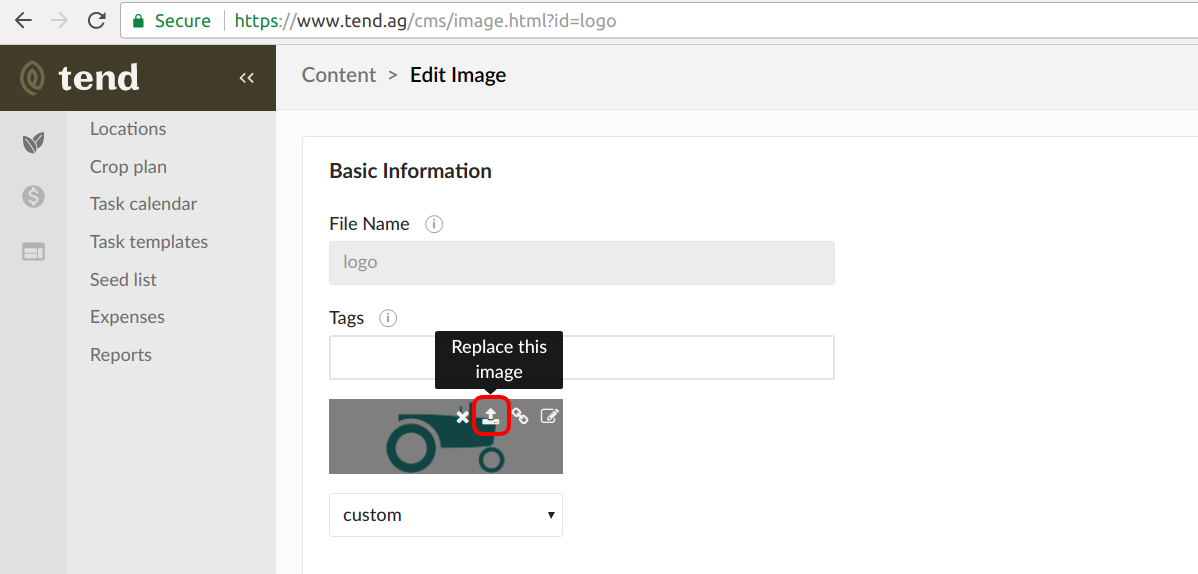
2. Hover over the image and find the icon "Replace this image."
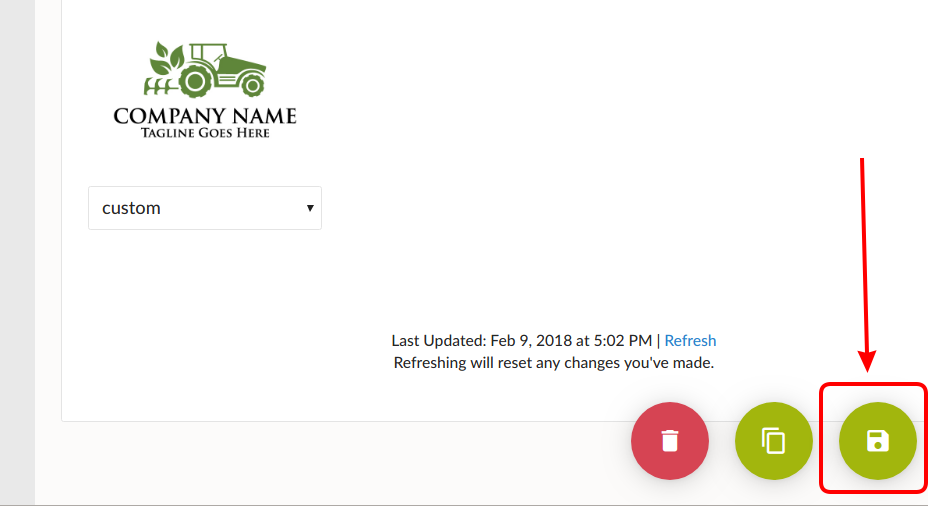
3. Save the image, so the file will be uploaded to your web storage.
4. Go back into the logo one more time, and now you can grab the URL of the image.
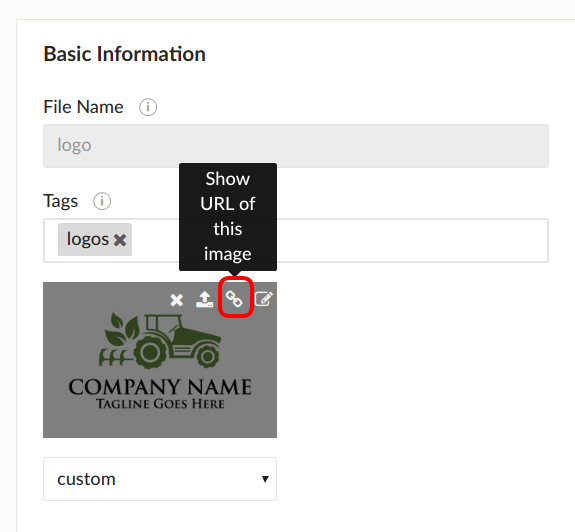
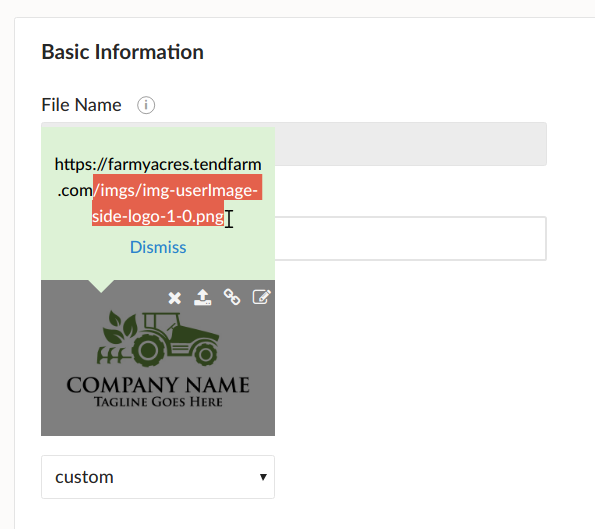
5. Now go into Settings - Website and email - and update the Logo URLs. Most people just want the same logo everywhere so you can put the same URL in all three fields.
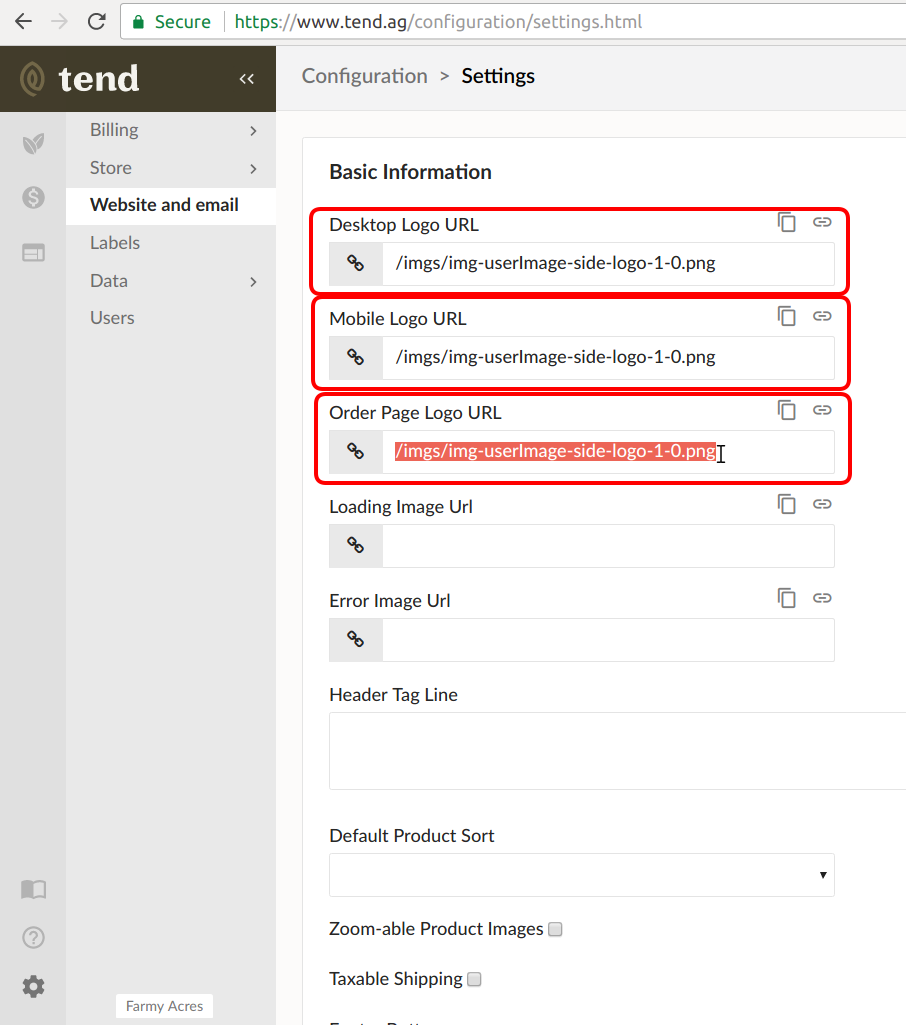
You may want to test your links when you're done.
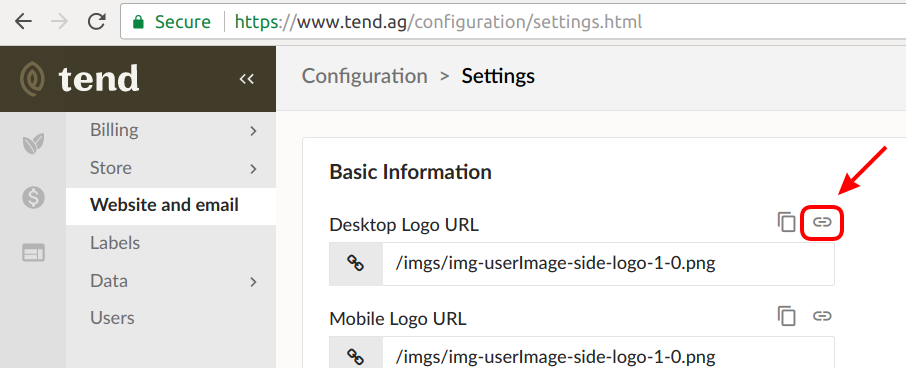
6. Press save once you are finished.

7. When you're ready to see the change live on your website, publish the changes.
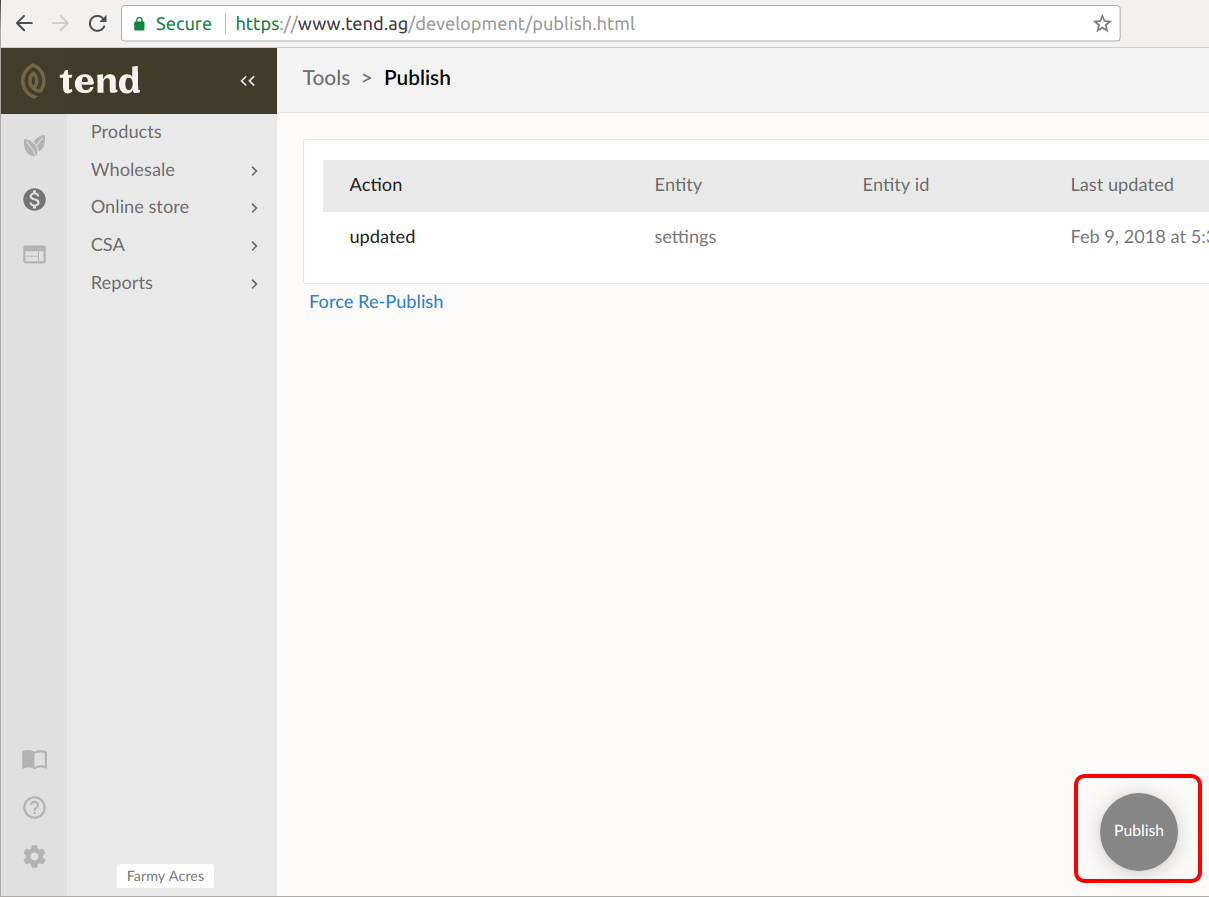
Phew - all done! Yes - we know this flow is a lot of clicks! We'll be stream lining this in the future. Thanks for your patience as we continue to improve Tend!