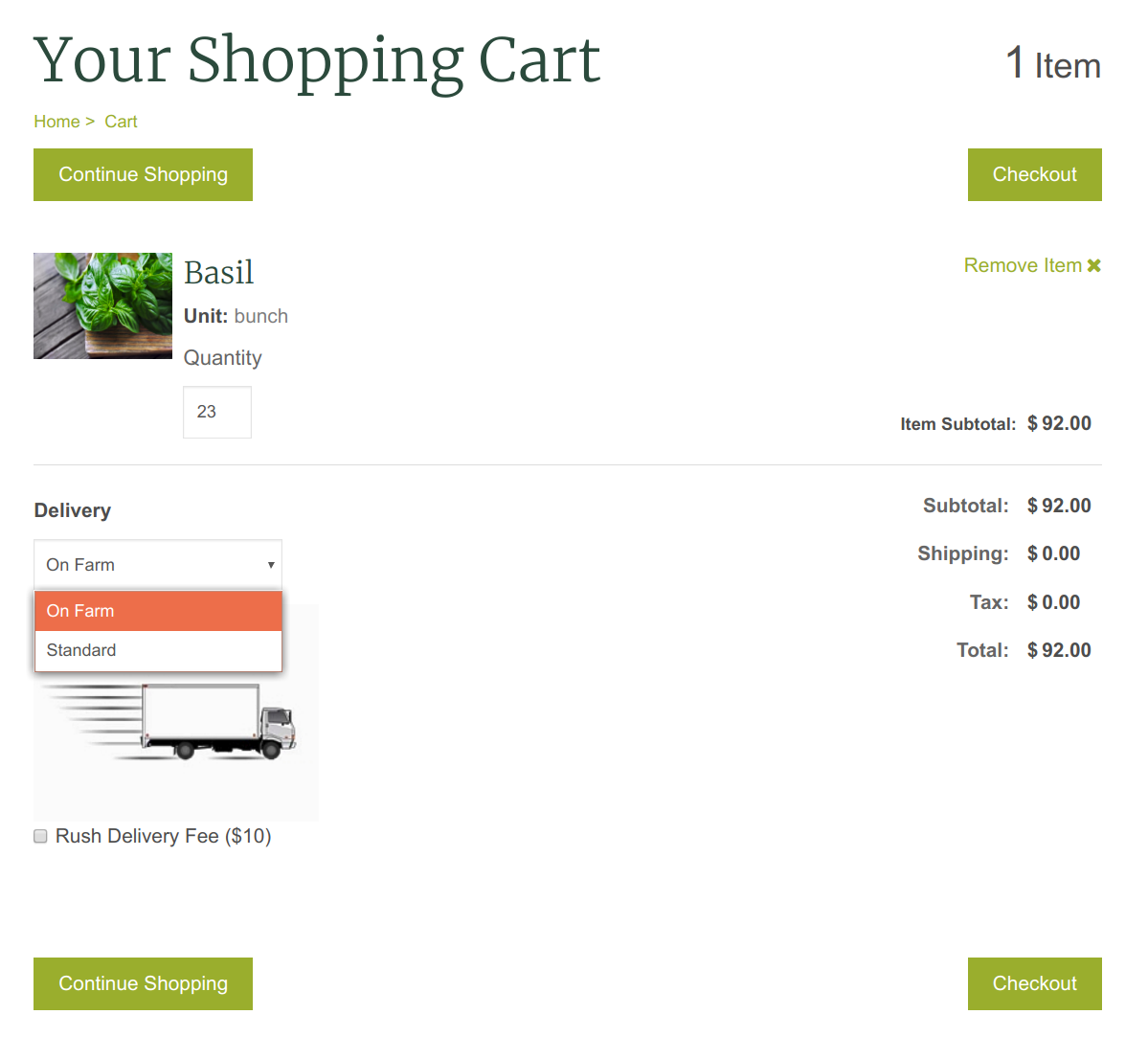
Here is an example of all of a highly customized shopping cart. In this document we'll go through each area one by one.
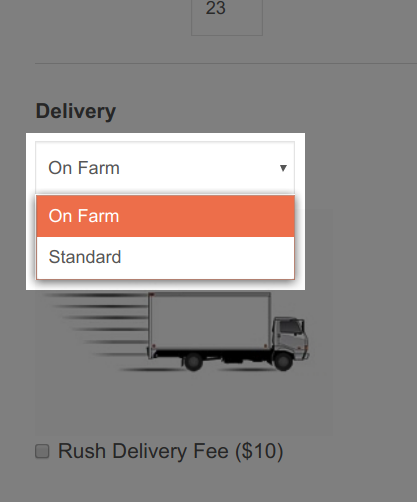
Shipping Method Choices
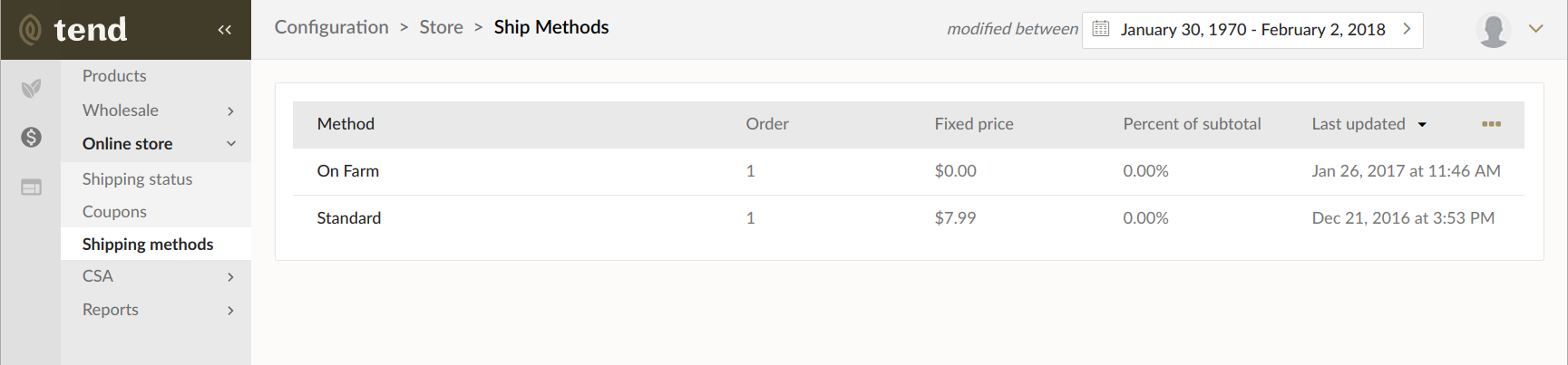
These are "Shipping Methods". Each shipping method can be free or have fees attached to it.
You can add, remove, rename, and reorder these under Sell - Online Store - Shipping Method.
Shipping Method Label
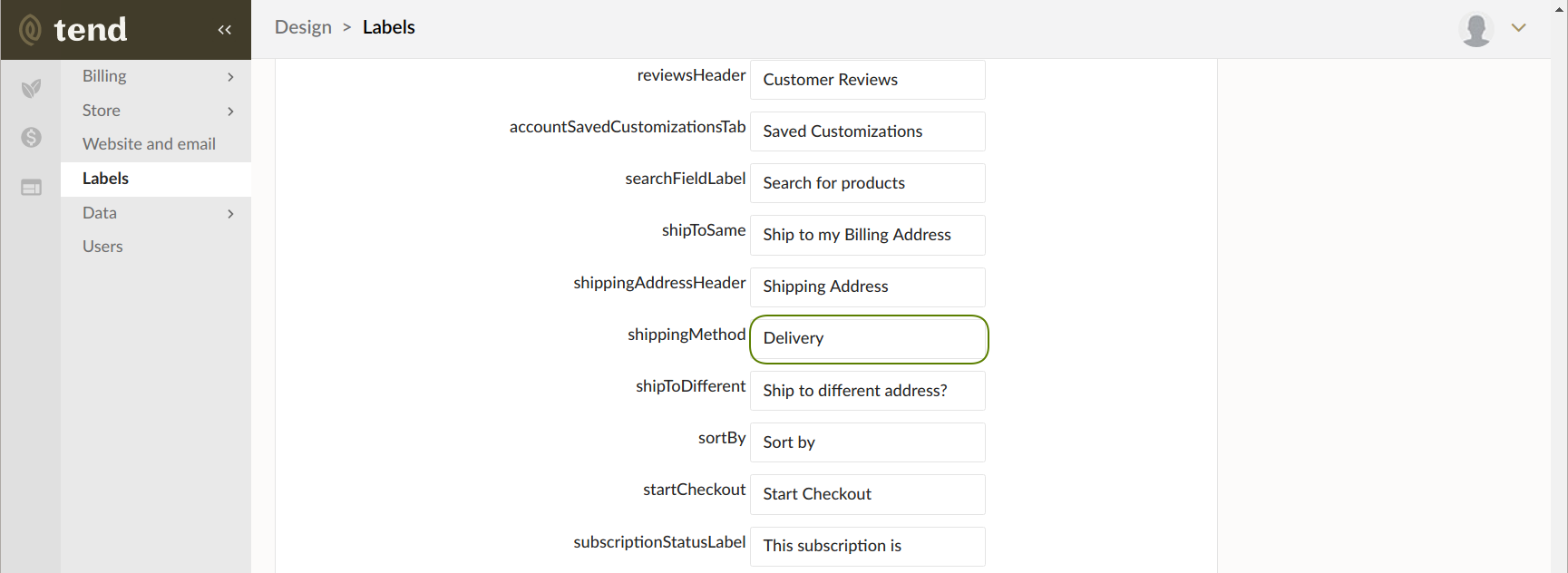
This is the "Shipping Method" label. Many labels of your online store can be customized. We changed the default text to "Delivery" by editing Settings - Labels - "shippingMethod."
Order Options
You can also add custom order options that always show on your shopping cart. There are numerous ways to customize them. We've demonstrated just a few in this help article.
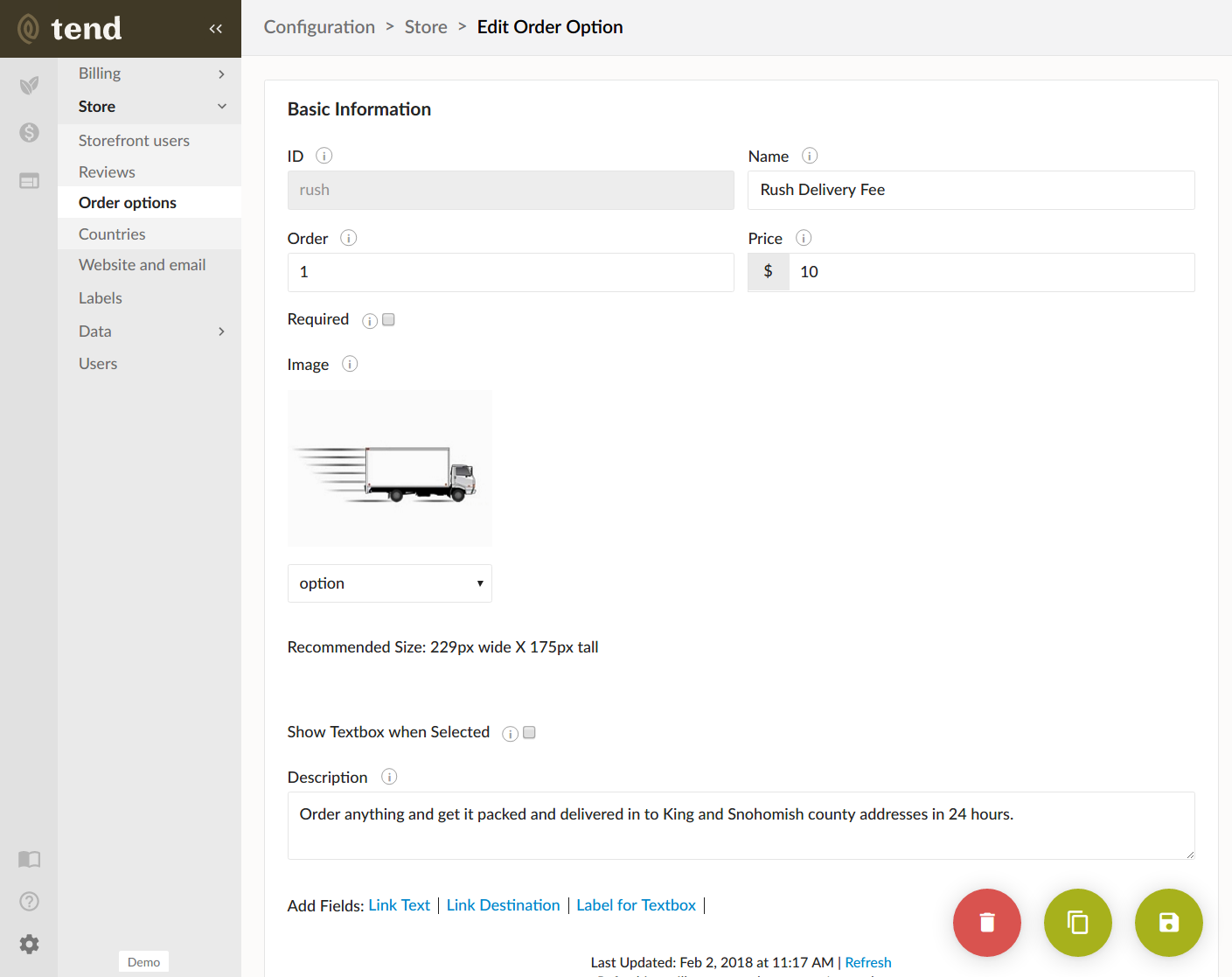
Here we've added an optional Order Option "Rush Delivery Fee" with a cost of $10 if selected. It will show for every item in our catalog.
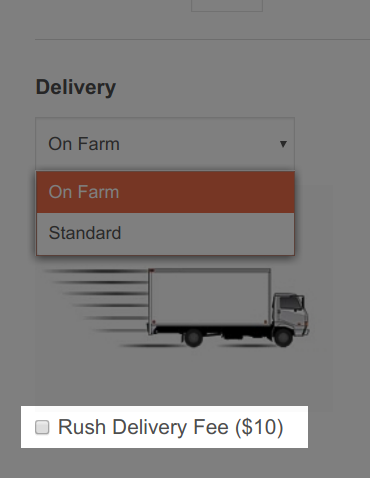
We added this custom icon as part of the option. We added this with the "Image" field in our "Rush Delivery Fee" order option.
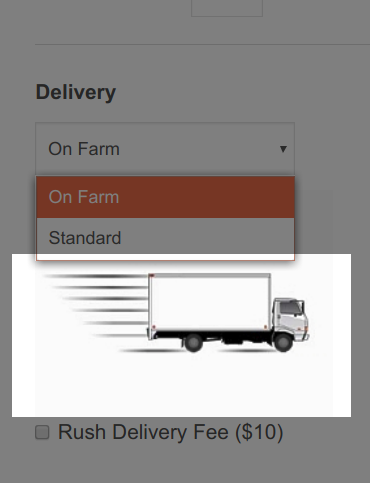
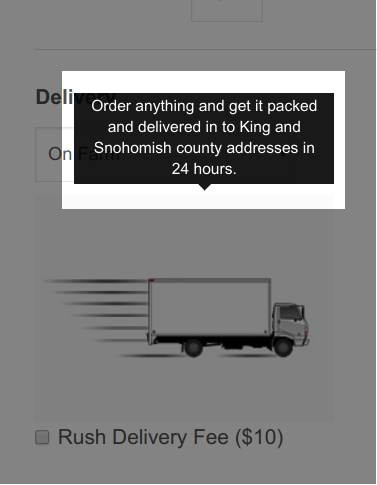
We also added a "Description" to our "Rush Delivery" order option. It shows up if you mouse over the icon.
Order Options are created under Settings - Store - Order Options. Here is the option created for this demonstration: