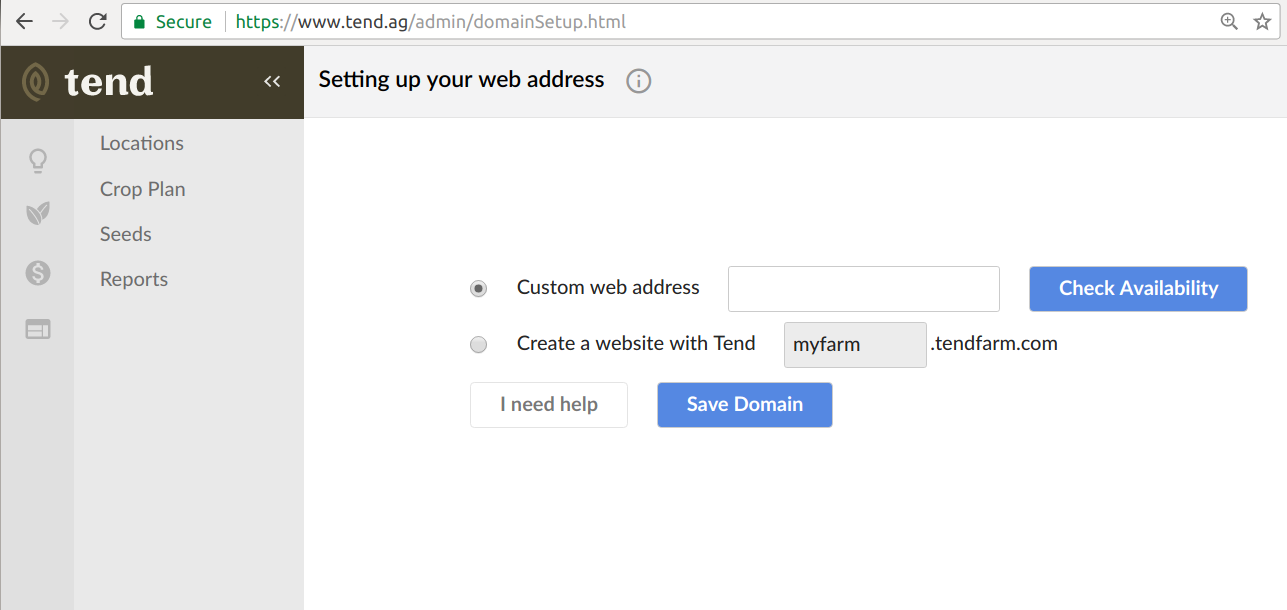
At any time, you can change your domain, your website URL.
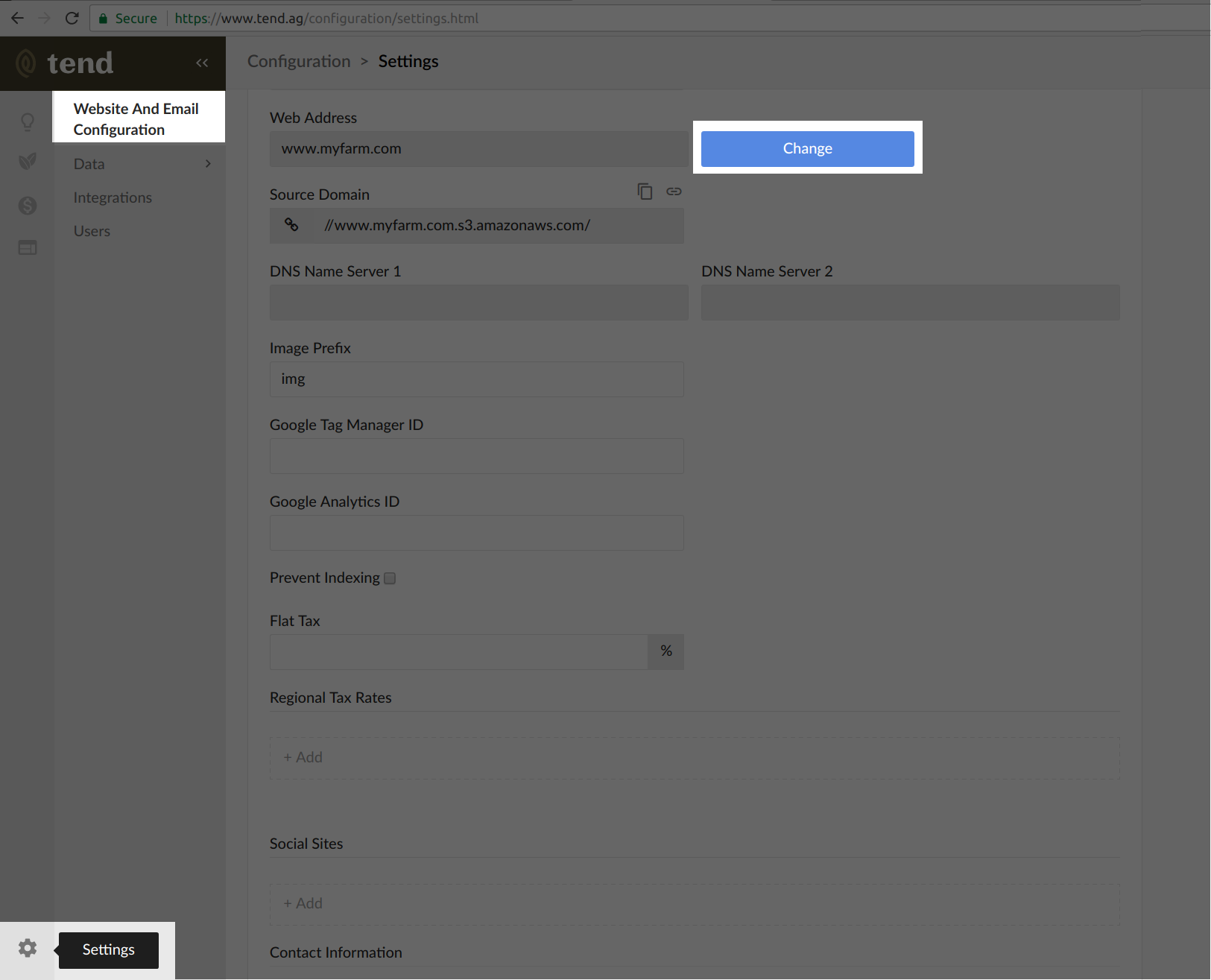
Once you're in Tend, in the navigation bar, click on "Settings" and then "Website and Email Configuration." Scroll down to the "Change" button next to your domain.
Then you should see this configuration page where you can select a new domain.