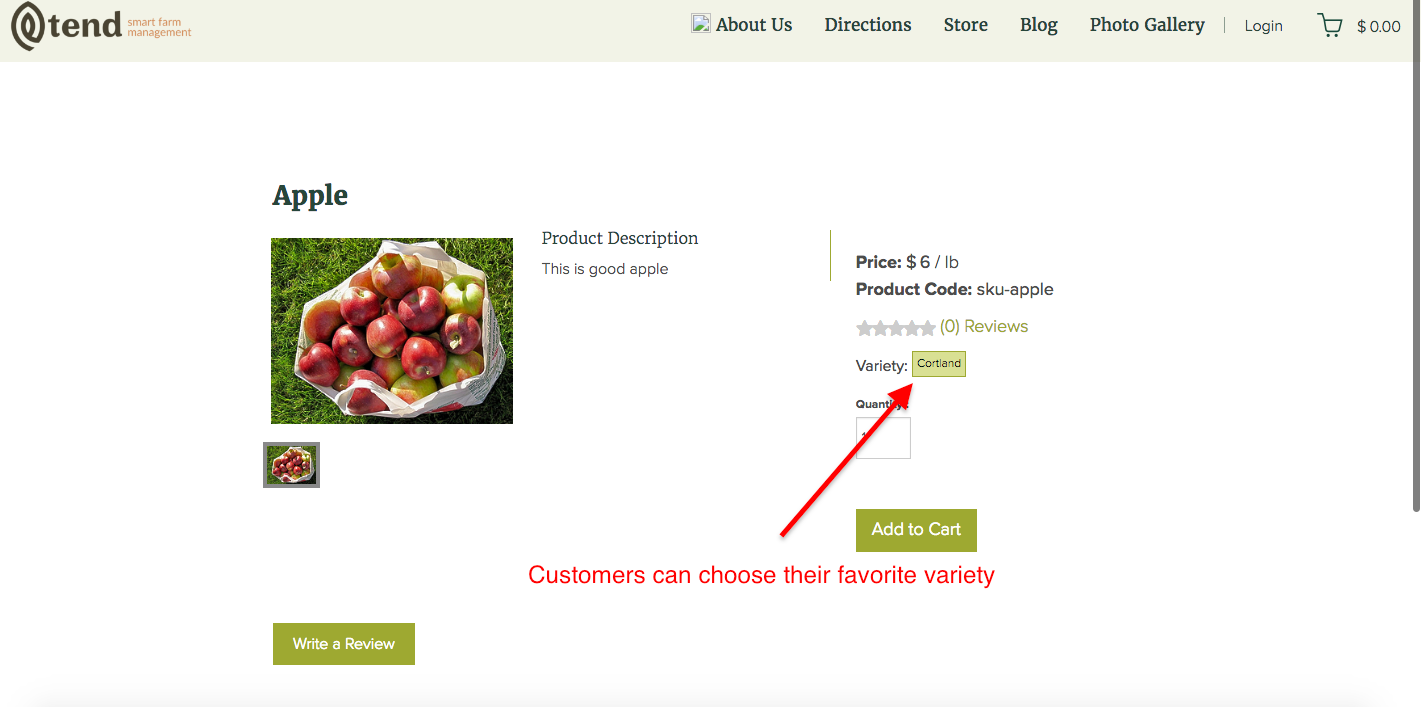
When creating a product you'll have the option to add "choices" or product options. The easiest way to explain choices is to think of colors for a t-shirt - you might sell one t-shirt but have different color options, such as black, white, purple, green, or blue. These colors are your "choices" for customers. The most common use of choices in Tend Sell is creating product varieties.
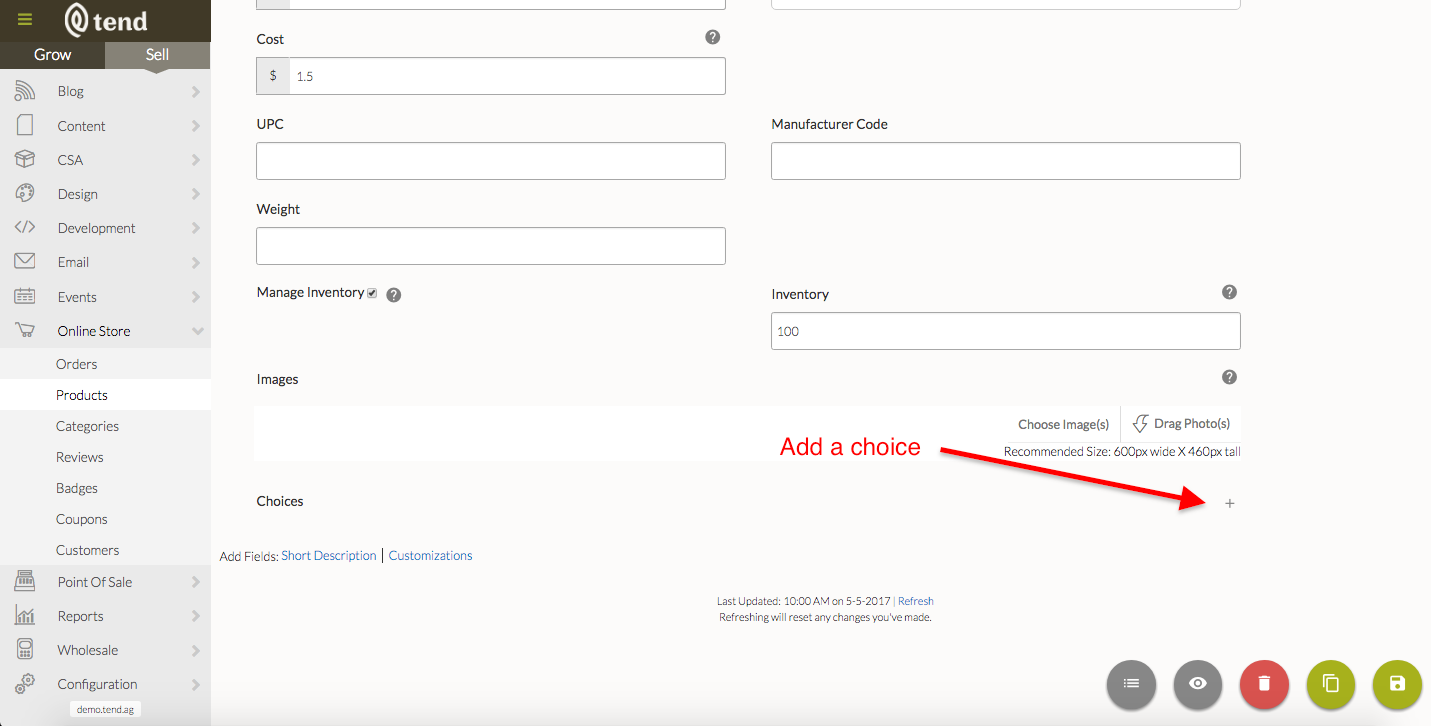
To add a choice to a product, you'll first need to click the "+" sign across from "Choices"
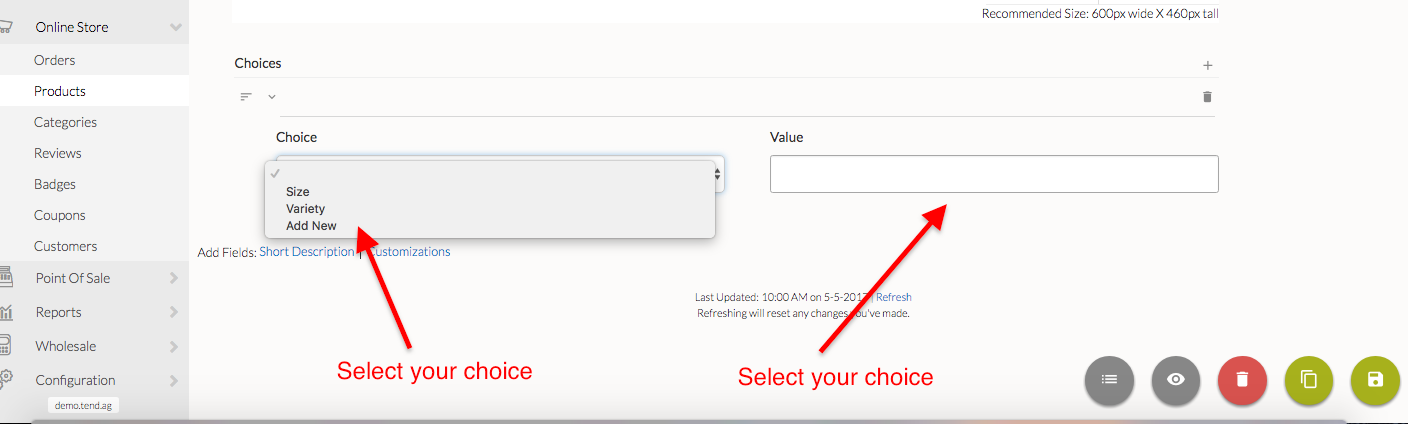
Once open, you'll the need to determine what that choice is (variety, color, etc) and give it a value (blue, green, red, etc). Please note that we give you a couple choice options out of the box (like size and variety), but you can create as many custom choice options as you'd like by clicking "Add New".
You can add as many choices to a product as you'd like and customers will be given the option to choose their choice when viewing your product page. It will look like this: