If you write a lot of blog articles, it may make sense to "duplicate" your last article to easily use some of the same information from that article, such as author name, tags, or even peices of content. Duplicating a previous article is simple: visit the article you'd like to duplicate and click on the "Copy" button in the bottom-right hand corner of that article (screenshot #1)
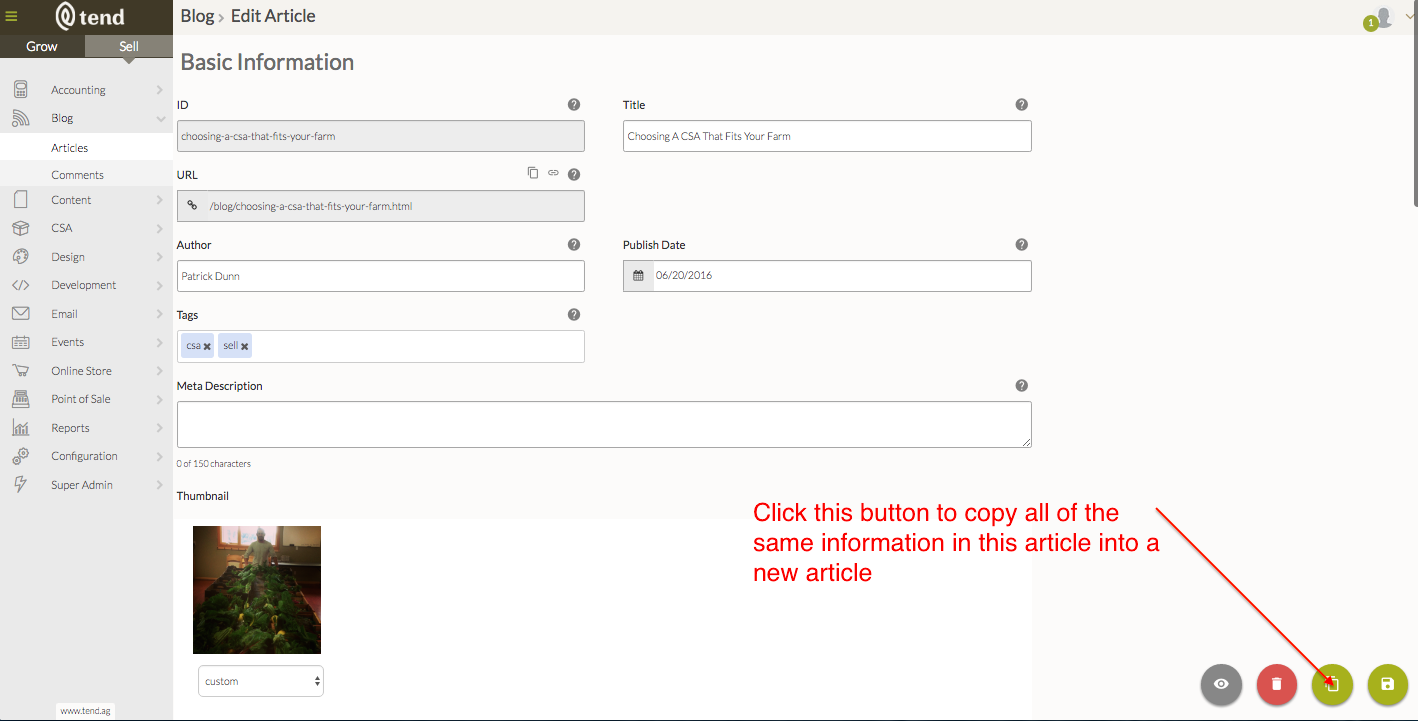
By clicking "Copy" all of the information in your previous article will be copied to a new article. Please note that you'll be able to change all of the information in your new article except for the URL, which will automatically update after saving based on your new ID.