With Tend Sell, you can send invoices to customers, like restaurants and wholesalers, directly from your admin. Please note you'll need to have payment processing setup in order to receive payments for your invoices. To send an invoice, head to the wholesale tool and then click on invoices.
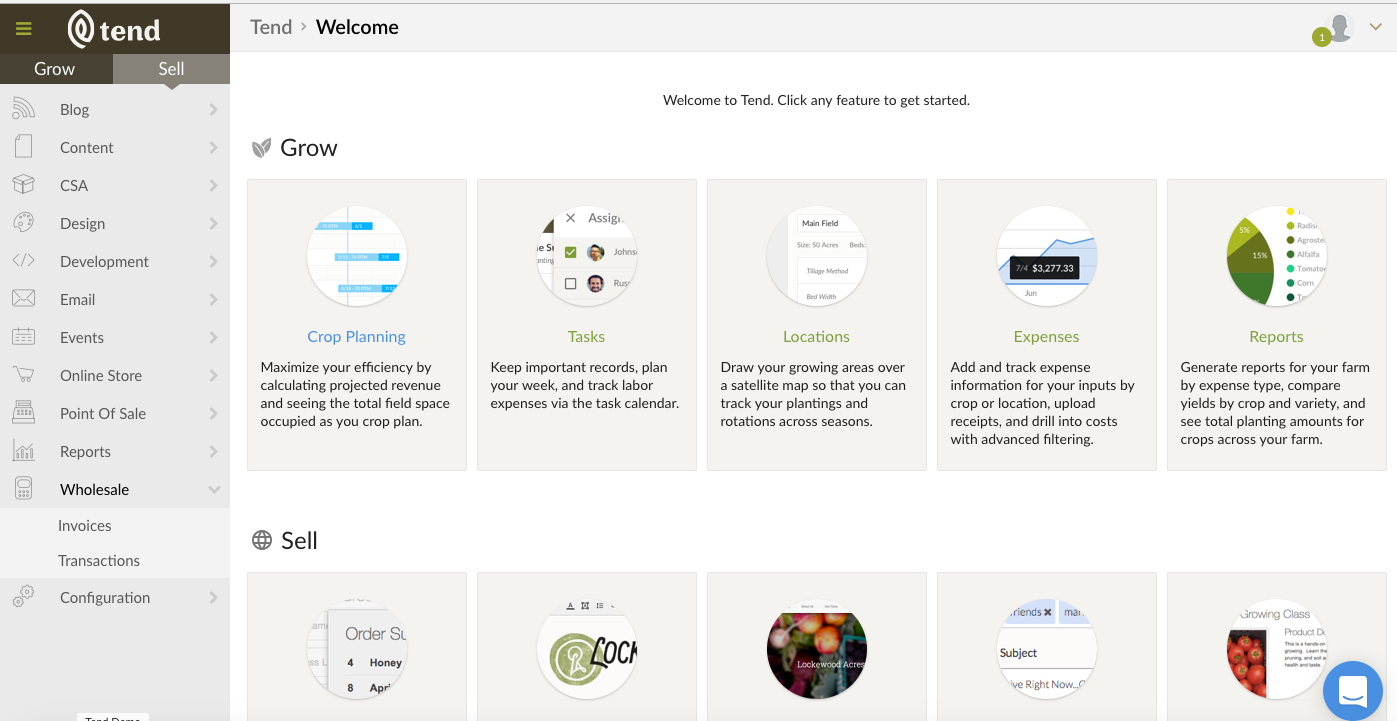
Inside invoices, click the green "add" button in the bottom right-hand corner. When creating a new invoice you'll need to fill out a few different fields, including:
Email: enter the email address of the customer you're sending this invoice to
Due: when is this invoice due? Enter that date here.
Ship Method: choose your ship method for this invoice here. To add a new ship method, visit "Configuration" > "Store" > "Shipping Methods" inside your admin.
You'll also see a field called "items", including a few different subfields:
SKU: to add a product you'll need those products SKU. Find a product SKU on that products page in "Online Store" > "Products".
Name: give this product a name
Price: what's the cost of this product per unit?
Quantity: enter that number of products you're charging for here.
Lastly, you have the option to enter a message for the invoice recipient. To add a message, simply click on the "Message" text and enter your message content
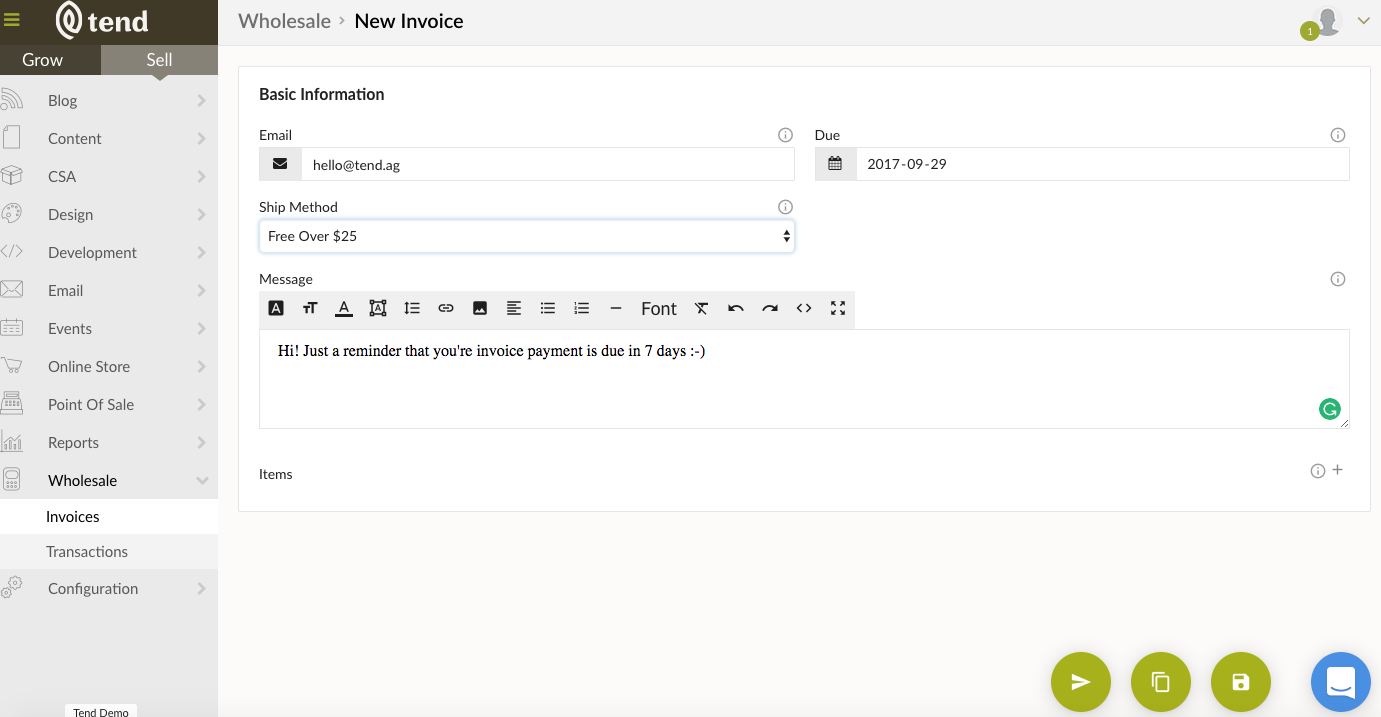
After you're done filling out all of your fields, you can either save or send your invoice. If sending, the invoice recipient will receive an email notification letting them know they have an outstanding invoice. They'll be directed to a checkout page on your website to pay the outstanding balance.