To log in to your website's admin, you'll first need to visit tend.ag/admin. To sign in, you'll simply enter the email address and password that was used to create your account. If you haven't already created an account, you'll need to have the administrator of your account do so.
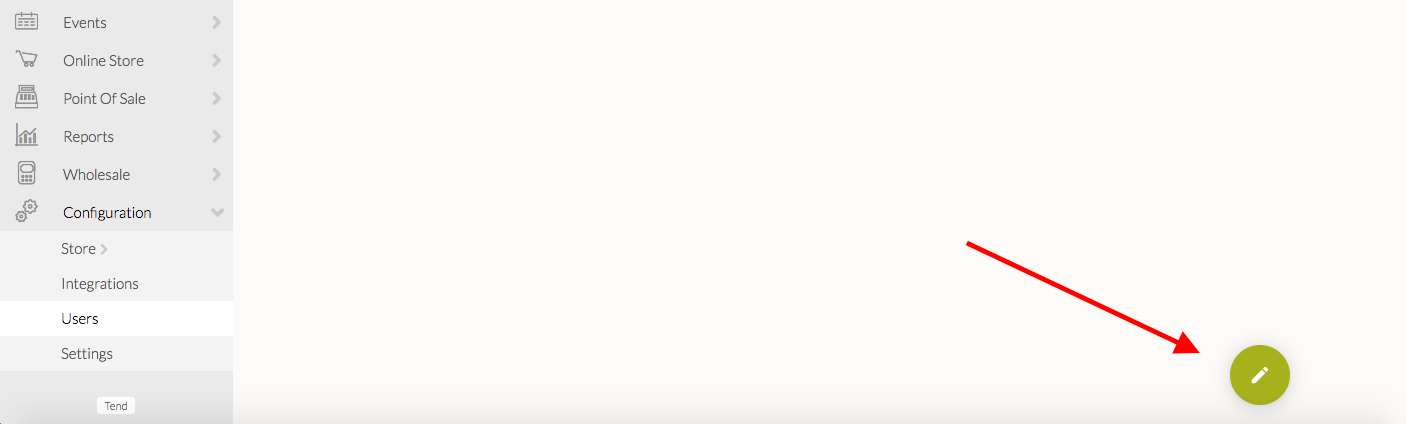
To create an account, your administrator will need to visit Configuration and then Users inside admin and click the green "Add" button.
Your administrator will either give you "Admin", "Manager", or "Crew Member" permissions.