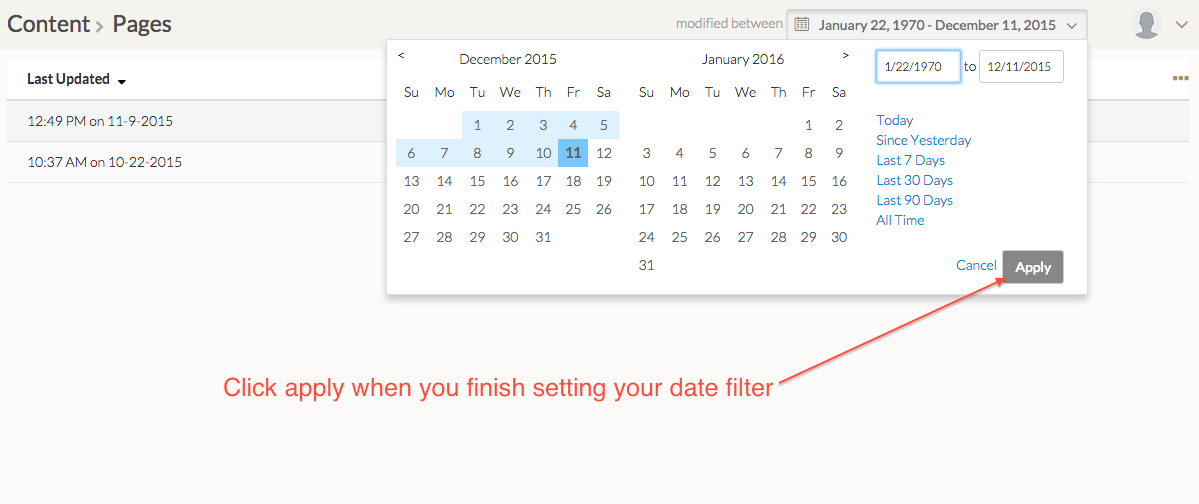
On almost every page in your admin, you will see a date filter in the top-right hand corner (screenshot #1). This date filter helps you sort all of the information stored in your admin by the date it's been last modified (the last time the information has been updated, changed, etc.)
You can sort information by any time frame you like, or choose a pre-selected option like modified between "Today", "Last 7 Days", "Last 90" Days" and even "All Time". After selecting your time frame, click "apply" (screenshot #2) and the information page you are sorting will update accordingly.
Screenshot #1: Click on your date filter
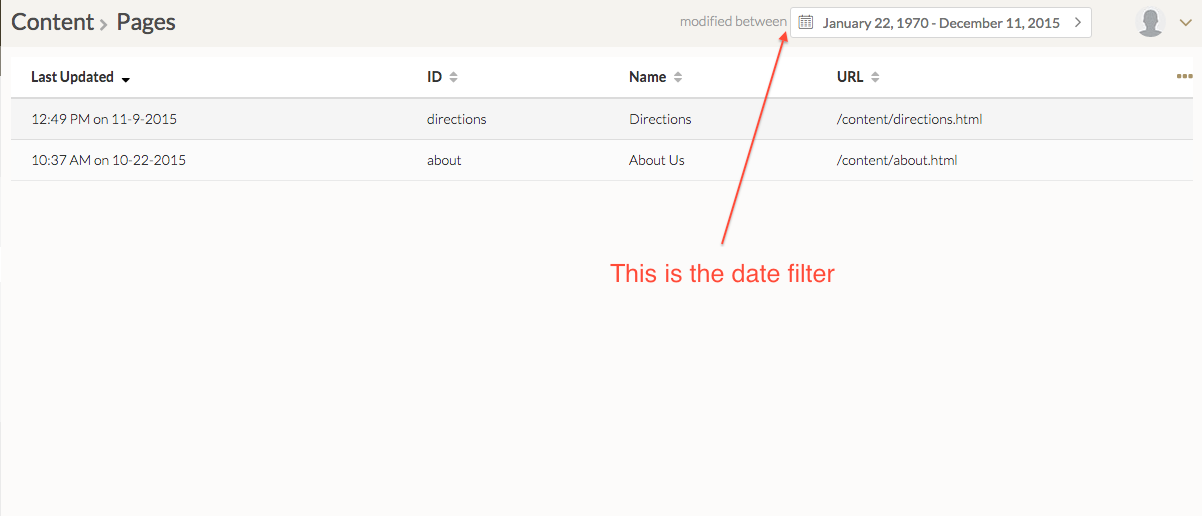
Screenshot #2: Set your date range and click apply