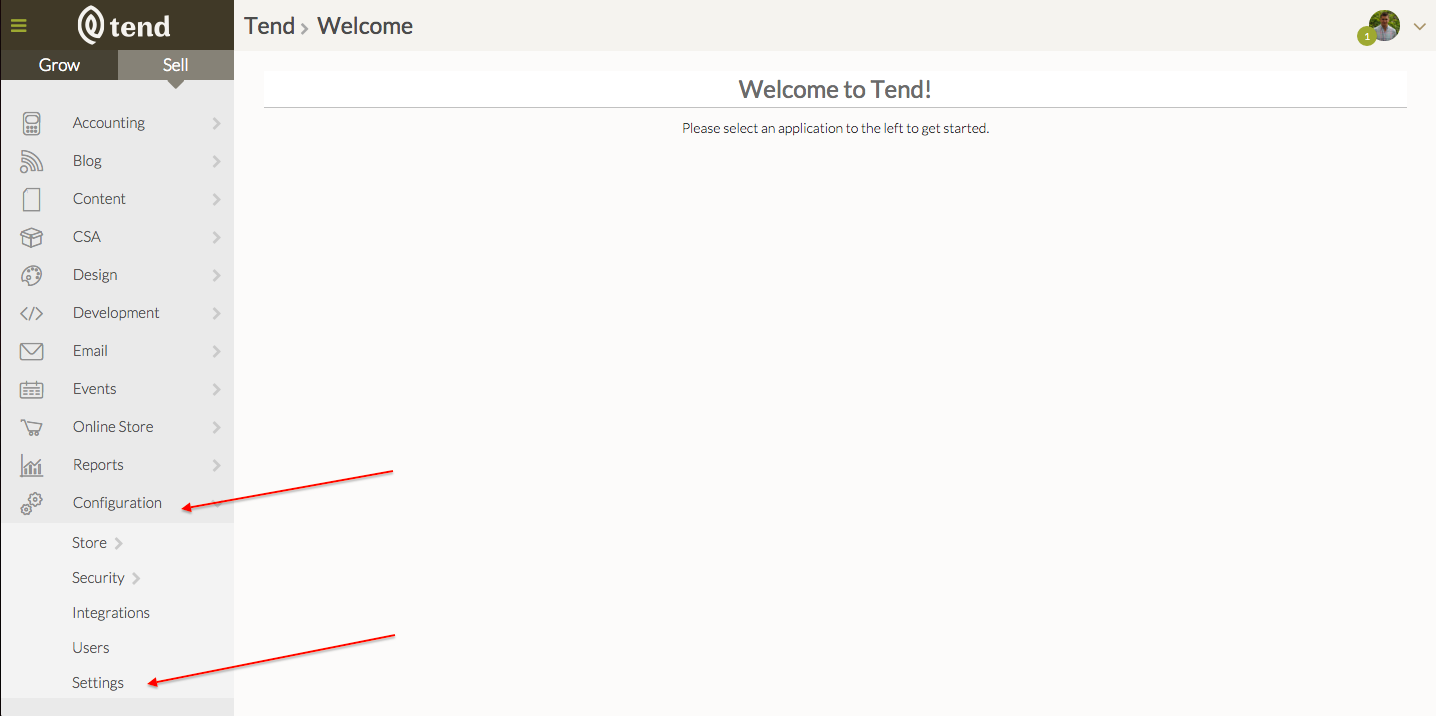
In order to upload your farm's logo to your website you'll first need to add your logo as an image. Please read this support article on how to add an image. Once you've added your logo as an image (make sure to copy the url too!) you'll need to head to "Configuration" and then "Settings" in your admin (screenshot #1 below)
Screenshot #1: Visit your settings in admin
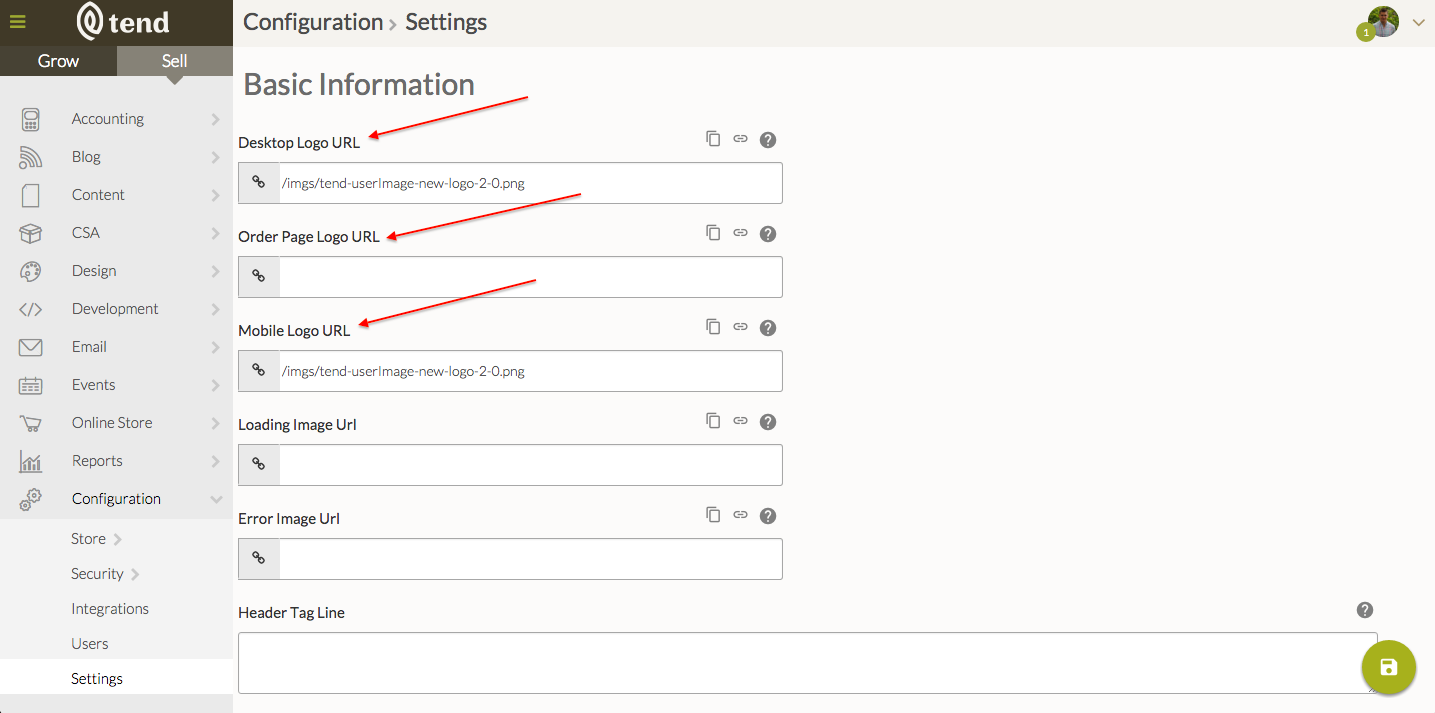
After you've entered Settings you'll see three fields near the top of the page under "Basic Information". The three fields are: "Desktop Logo URL", "Order Page Logo" URL and "Mobile Logo URL". This is where you'll enter the image URL you saved earlier (screenshot #2 below). Once you enter your image URL's you'll need to click "Save" in the bottom right corner. Please note: your new logo will not appear on your site until you publish your changes.
Screenshot #2: Paste your images URL