While collecting new email subscribers through your website is a great idea, you may want to collect email addresses manually in order to build a larger email list. Some ways you can manually collect additional email addresses are:
At the farmers market
At farm events
From your u-pick customers
Through social media
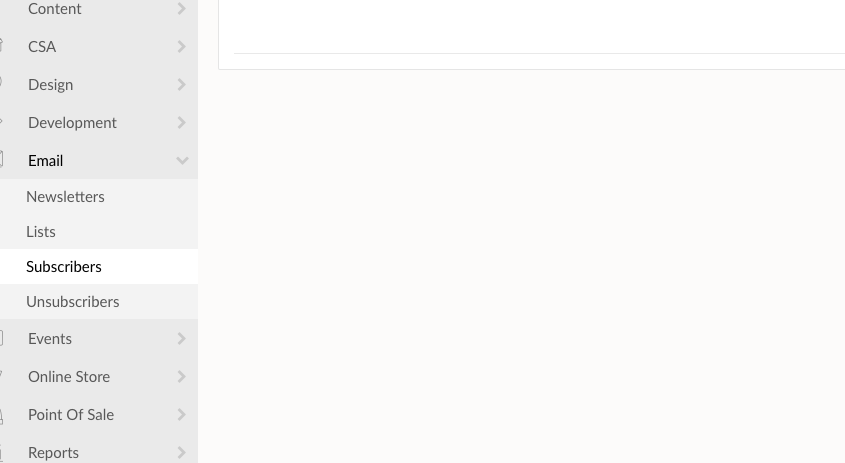
Once you have a list of manually collected email addresses you'll want to input them into your admin. This way you can include these subscribers in your email newsletters. To enter email addresses manually in your admin you'll first need to click on "Subscribers" underneath "Email" in the left sidebar of your admin.
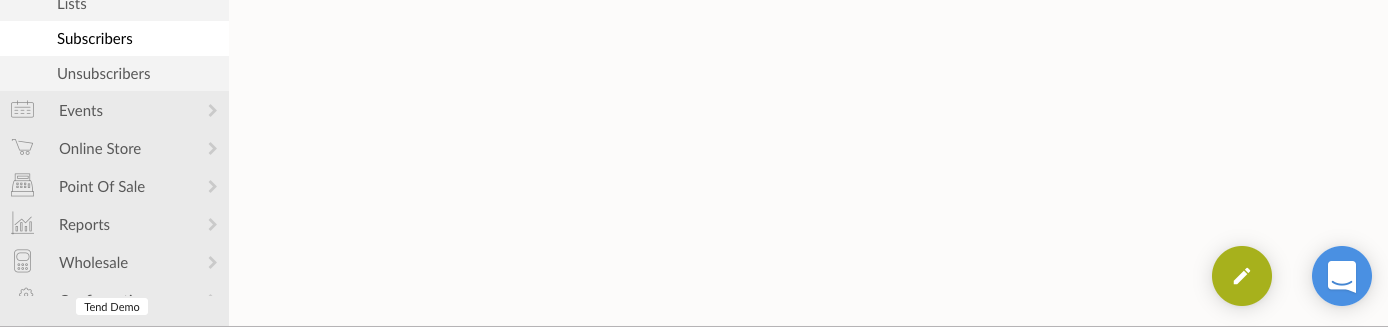
Inside Subscribers, you'll want to click on the green "Add" button in the bottom right-hand corner.
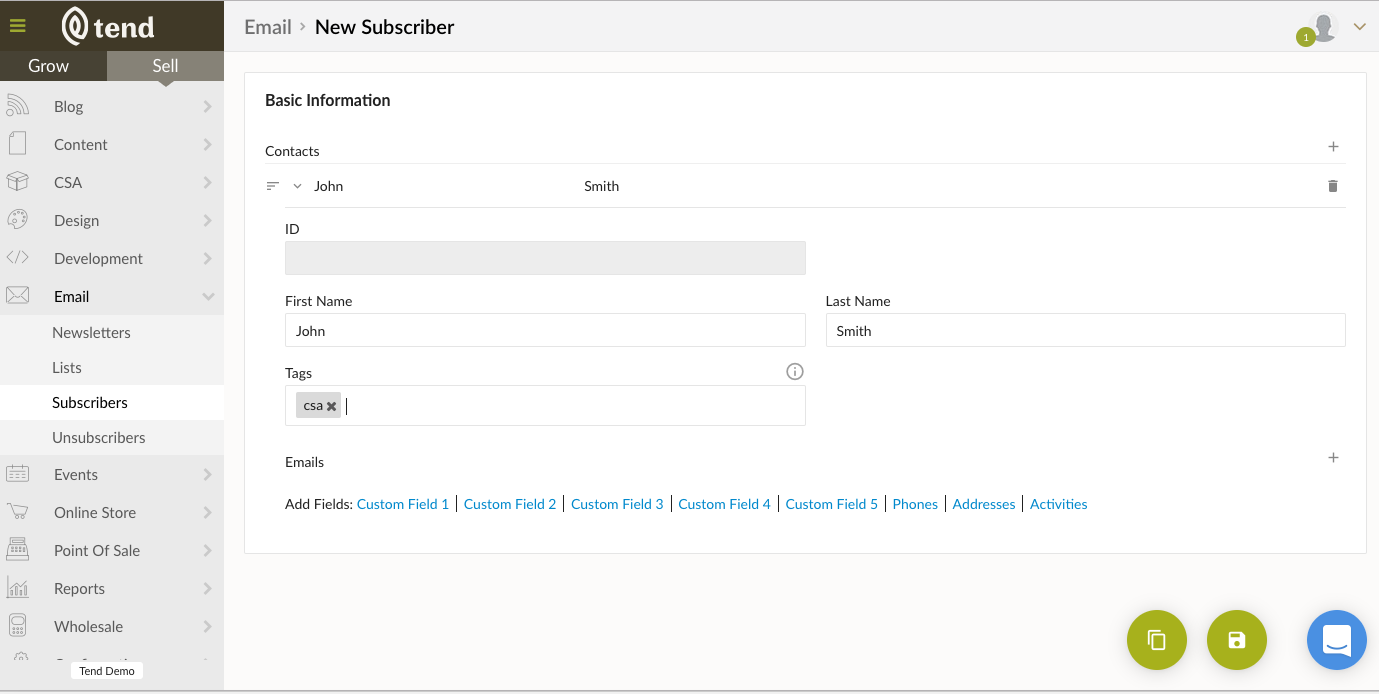
When adding a new subscriber you'll see several fields like email address, first name, last name, etc. Add as much information as you have about your new email subscriber. Optionally, you might also want to give them tags. Tags help organize your email subscribers.
When you're finished entering your new subscriber's information just click on the "Save" button in the bottom right-hand corner