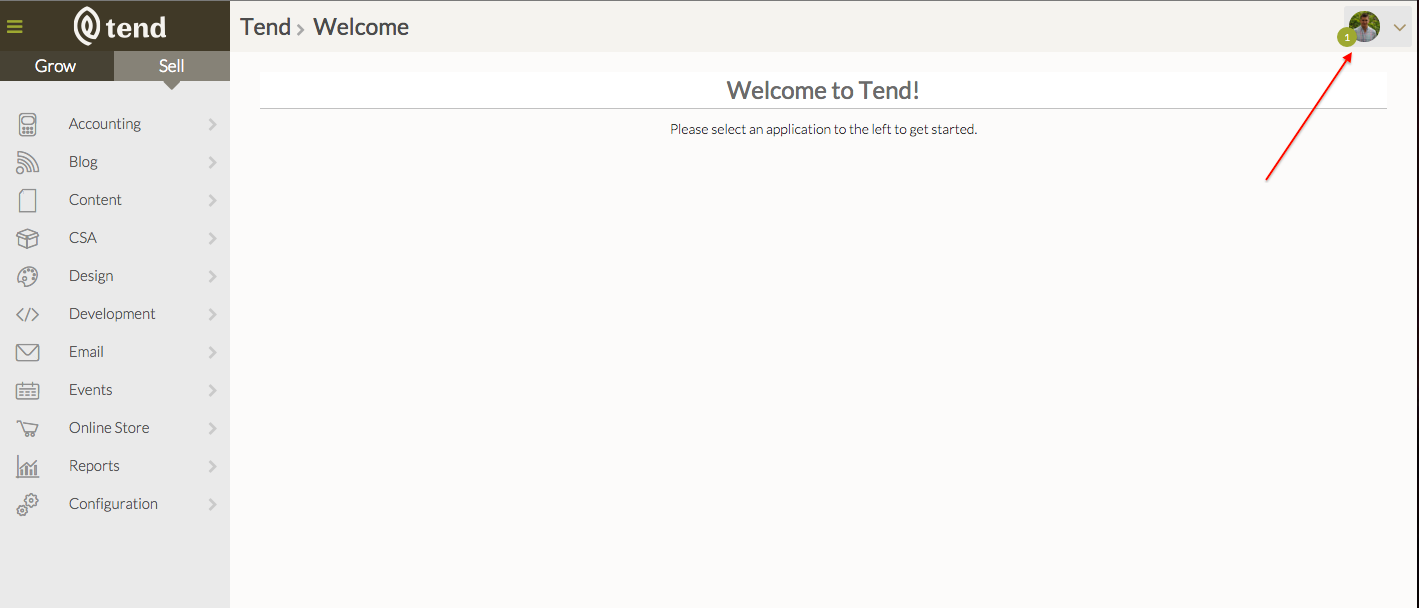
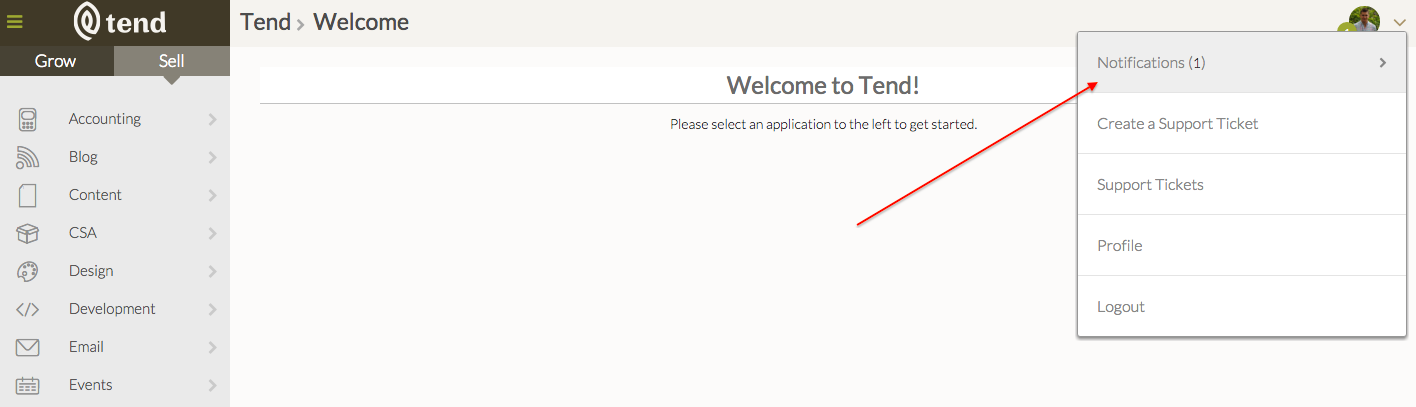
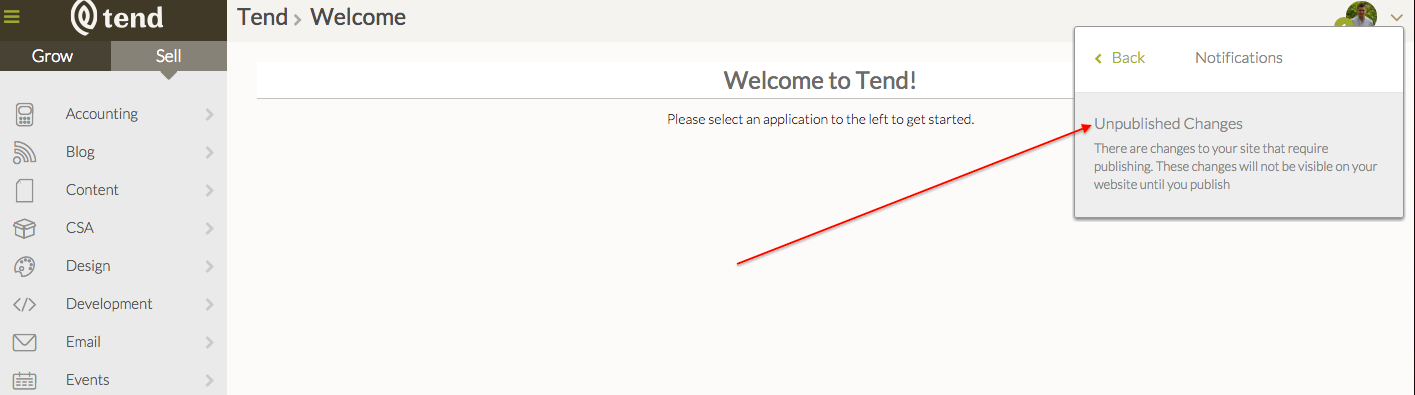
Any change you make in your admin will not be seen on your live site until you "publish" your site. You can publish changes by clicking on your profile icon in the top right-hand corner of your admin (screenshot #1) and then on "Notifications" (screenshot #2). Once clicking on "Notifications" you'll see "Unpublished Changes" (screenshot #3) - click this.
Screenshot #1: Click on your profile icon
Screenshot #2: Click notifications
Screenshot #3: Click unpublished changes
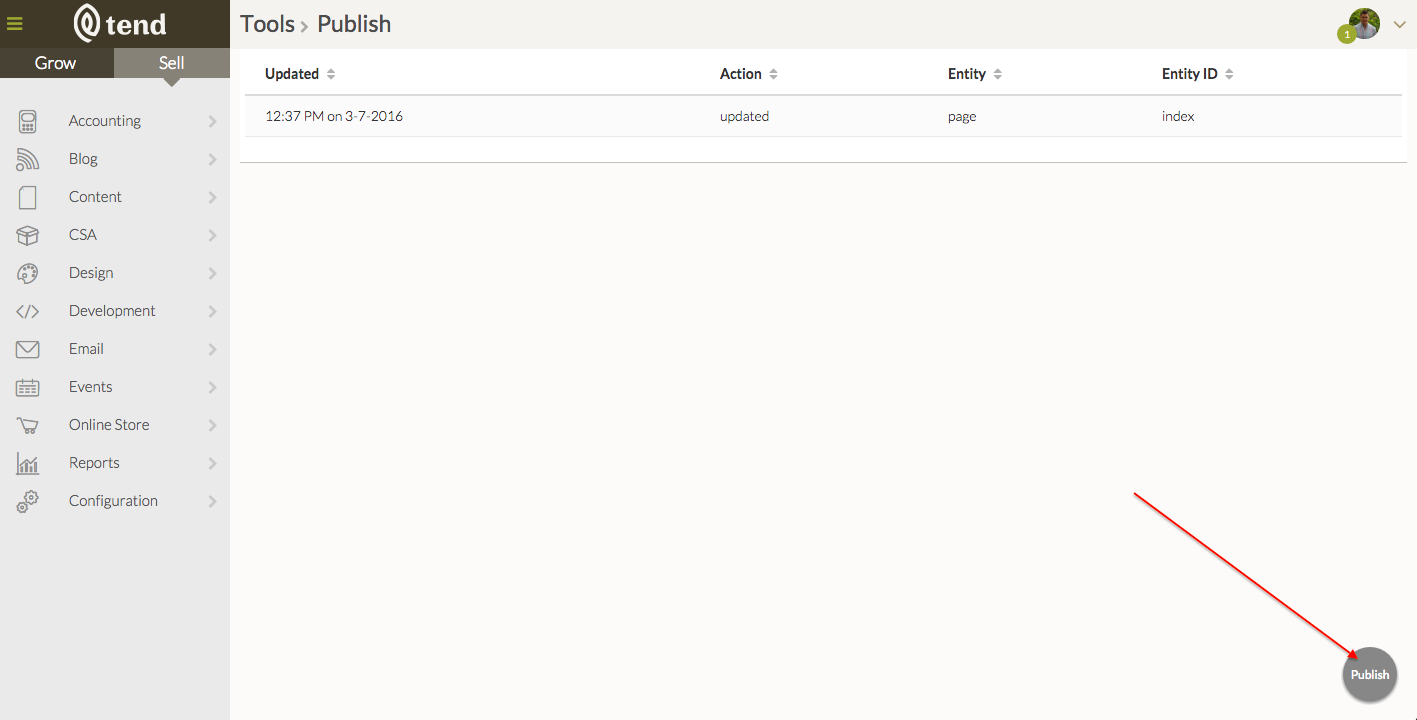
When you click on "Unpublished Changes" you'll be taken to a page where you'll see a table of all your pending changes. If ready, click on the "publish" button in the bottom right corner of the page (see screenshot #4). Your website will now start to publish! Once your site has finished publishing (this could take a few minutes) the changes you published won't appear on your site for up to one hour. This is due to a technique we use called "caching", which helps improve your website's performance
.
Screenshot #4: Hit publish!