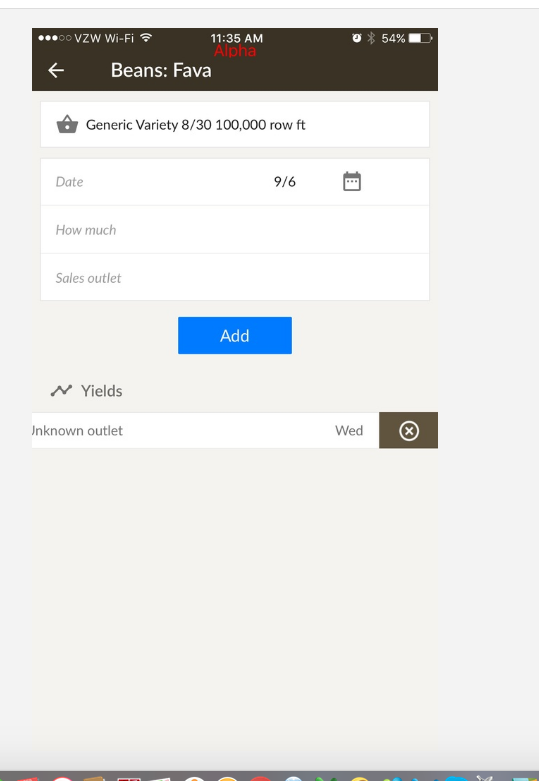
When you've added a yield in Tend and need to remove it, then follow these steps to delete it on the mobile app:
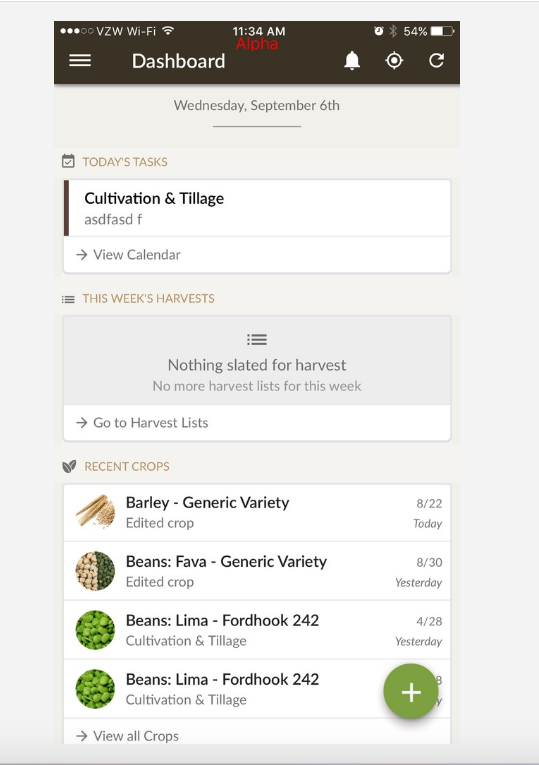
1. Go to the mobile Dashboard:
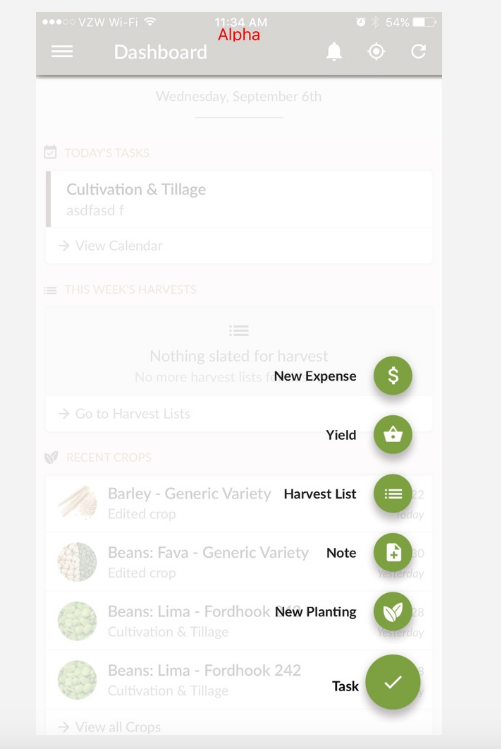
2. Then select the "+" icon and select "Yield":
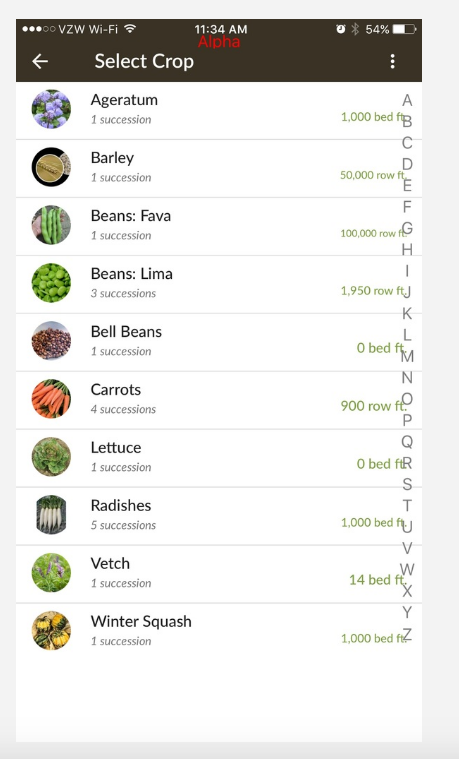
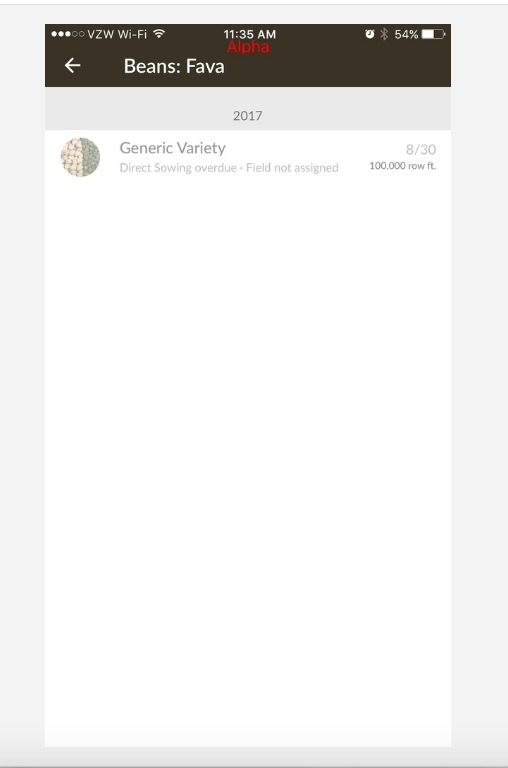
3. Select the crop you wish to remove:
4. Select the planting that you added a yield to:
5. Swipe left on the yield you wish to remove and then select the "X":